

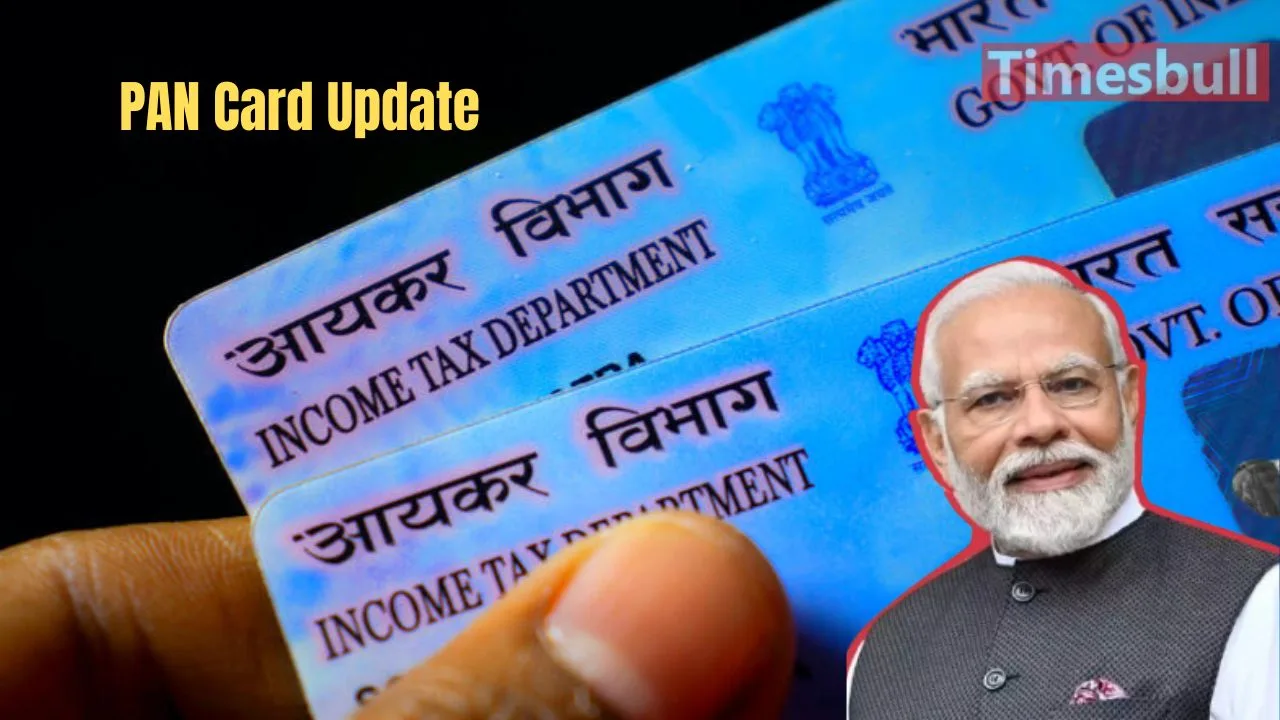
India is constantly moving towards making every citizen’s identity safe and transparent, especially in today’s fast-growing digital economy.
In this digital age, your identity is not just about your name and photo, but also about your digital documents. One of the most important digital documents is the PAN card. A PAN card (Permanent Account Number) is a 10-digit alphanumeric identification number issued by the Income Tax Department. It is given to individuals by the department to track financial transactions and taxes. The government officially introduced the PAN card under Section 139A of the Income Tax Act, 1961.
New Changes in PAN Card Rules
From July 1, 2025, the government has made a new rule for PAN cards. Now, to apply for a new PAN card, it is necessary to have an Aadhaar card. You cannot use documents like driving license, voter ID or birth certificate to make a new PAN card. If you do not have an Aadhaar card, you will not be able to get a new PAN card.
Important News for PAN Card Holders
If you already have a PAN card, you must link it with your Aadhaar card before December 31, 2025. If you do not link it before this date, your PAN card will stop working from January 1, 2026. If your PAN card becomes inactive, you will face many problems. You will not be able to file income tax returns, open a new bank account, make big payments above ₹2 lakh, or invest your money.
Why the Government Made This Change
The government has taken this step to stop tax cheating and to make money transactions more clear and honest. If your Aadhaar card is ready, you can easily make an e-PAN card in a few minutes. You just need to go to the Income Tax Department’s website, enter your Aadhaar number, verify it with OTP, and your e-PAN card will be made. This whole process is online, fast, and simple.
How to Link Aadhaar with PAN from Home
If you have an Aadhaar card, you can now link it with your PAN card while sitting at home. This process is free and easy. First, you have to go to the official e-filing website of the Income Tax Department. Then, you have to select the option to link Aadhaar. After that, you need to enter your PAN number, Aadhaar number, and the mobile number linked to both. After verifying with OTP, the screen will show that your PAN and Aadhaar are now linked.
Latest News
- Weather Warning Delhi-NCR – Rain Alert & Dust Storm in Next 2-3 Hours, IMD Issues Yellow Alert

- PM Kisan Samman Nidhi Yojana: नहीं मिल रही 2000 रुपये की किस्त तो किसान तुरंत करवा लें यह काम

- Aadhaar Card Update Rules – How Many Times Can You Change Address, DOB & Number?

- Train Ticket: How to book a confirmed train ticket without an agent? Learn the Easy Steps

- Indian Railways– 155 Trains Express Declared High-Speed, Thousands of Railway Staff to Benefit

- Monsoon Alert – Warning Heavy to Very Heavy Rain alert & thunderstorms in 22 States Over Next 4 Days

- America-Iran War: मिडिल ईस्ट में तनाव होगा खत्म! ईरान ने होर्मुज रास्ते पर कही बड़ी बात

- PM Surya Ghar Yojana 2026: Get Up to Rs 78,000 Subsidy within 6 Easy Steps, Know Here

- Cheapest Available 5G Smartphones in India Under 10000

- UPSC Prelims Answer Key 2026 – How to Download UPSC Prelims Answer Key at upsc.gov.in
