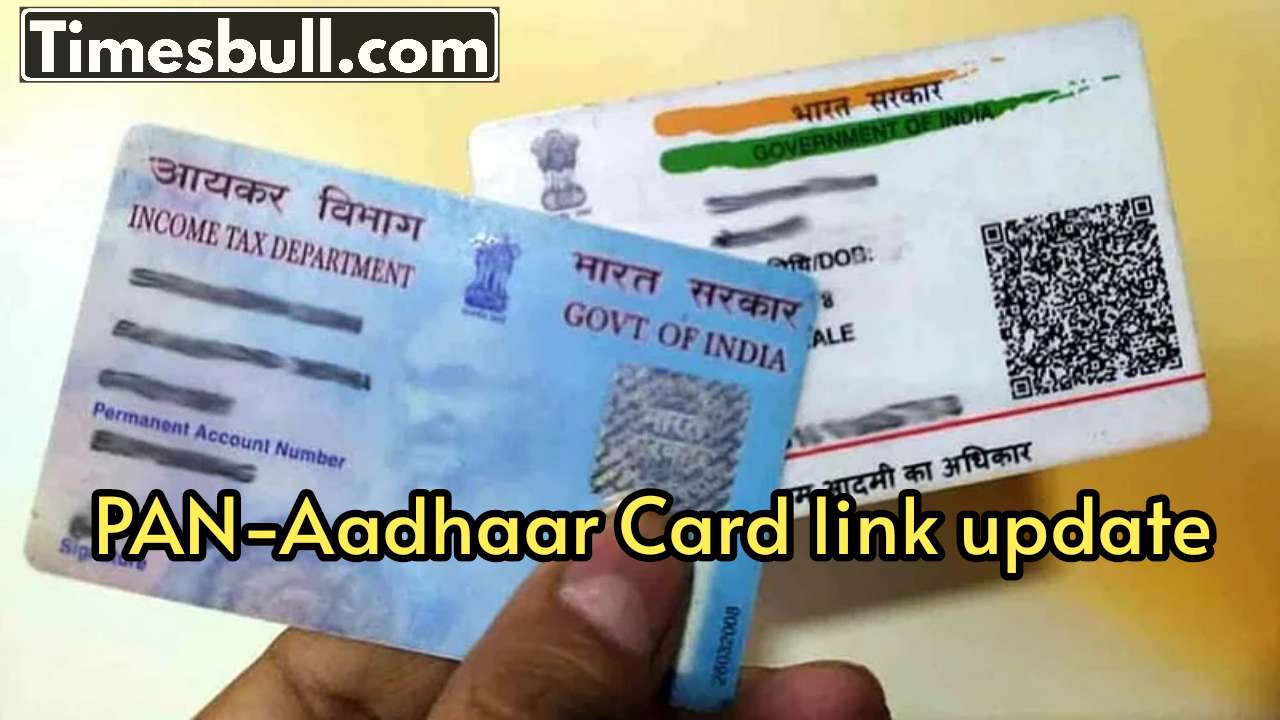
PAN-Aadhaar Card Link: Both the PAN card and Aadhaar card are essential documents in India. Without them, many important tasks can be hampered. They are required for everything from banking to tax and investment. If your PAN is not yet linked to Aadhaar, ignoring it could prove costly. The deadline for linking your PAN with Aadhaar was December 31, 2025. Those who failed to do so after that will have their PANs classified as inactive. An inactive PAN doesn’t mean the number has expired, but rather that you won’t be able to perform many tasks related to it.
If your PAN is inoperative, filing your income tax return will be a challenge. Tax refunds may be delayed. Opening a new bank account will be difficult. Cash deposits or withdrawals exceeding Rs 50,000 may also be problematic. Many banks put transactions on hold in such cases. Investment-related work will also be affected. Transactions related to the stock market, mutual funds, SIPs, and demat accounts may be halted. Applying for a loan or credit card may result in rejection due to your PAN not being active.
By linking PAN and Aadhaar, the government aims to ensure that there is only one PAN in an individual’s name. This prevents fake identities and tax evasion. Therefore, this rule applies to almost everyone, including employed individuals, business owners, and investors. If your PAN is not linked, there is still a solution. You must visit the Income Tax Department’s official website and pay a fine of Rs 1,000. This payment is made under Section 234H of the Income Tax Act. After this, the process of linking your PAN and Aadhaar can be completed.
To check the status, you can also find the option “Link Aadhaar Status” on the same website. Enter your PAN and Aadhaar number and the information will appear on the screen. If you haven’t already, don’t delay. A small mistake can lead to serious problems.
Link in 5 minutes with 5 steps
- Visit the website www.incometax.gov.in.
- Here go to Quick Links and click on Link Aadhaar.
- Enter PAN, Aadhaar and mobile number on the new window.
- Now select ‘I validate my Aadhaar details’.
- Enter the OTP received on the registered number and click on ‘Validate’.
- After this your PAN will be linked to Aadhaar Card.
Latest News
- Cheapest Available 5G Smartphones in India Under 10000

- UPSC Prelims Answer Key 2026 – How to Download UPSC Prelims Answer Key at upsc.gov.in

- 8th Pay Commission: एनपीएस और पुरानी पेंशन में कौन सी बेहतर, जानिए बड़ा अपडेट

- Xiaomi 17T Launching With Leica 5x Zoom and Huge 6,500mAh Battery Under ₹60,000

- NEET UG 2026 – Haryana & Bihar Announce Free Bus Service for Candidates on June 20-21

- PM Kisan 23rd Installment: Farmers to get Rs 2000 in June? Know Here

- Best Premium Smartwatches Under ₹10,000: Upgrade to Luxury Metallic Builds, AMOLED Screens, and In-Built GPS

- Maruti Dzire CNG Continues Dominance – Fuel Efficient Sedan Wins Indian Families

- Vivo Y600 Turbo Set to Debut: Featuring a 165Hz Display, Dimensity 8500, and a Massive 9,020mAh Battery

- HMD Vibe 2 5G Debuts in India with 6000mAh Battery & 50MP Camera: Get It For Just ₹9,499 With Launch Offers