

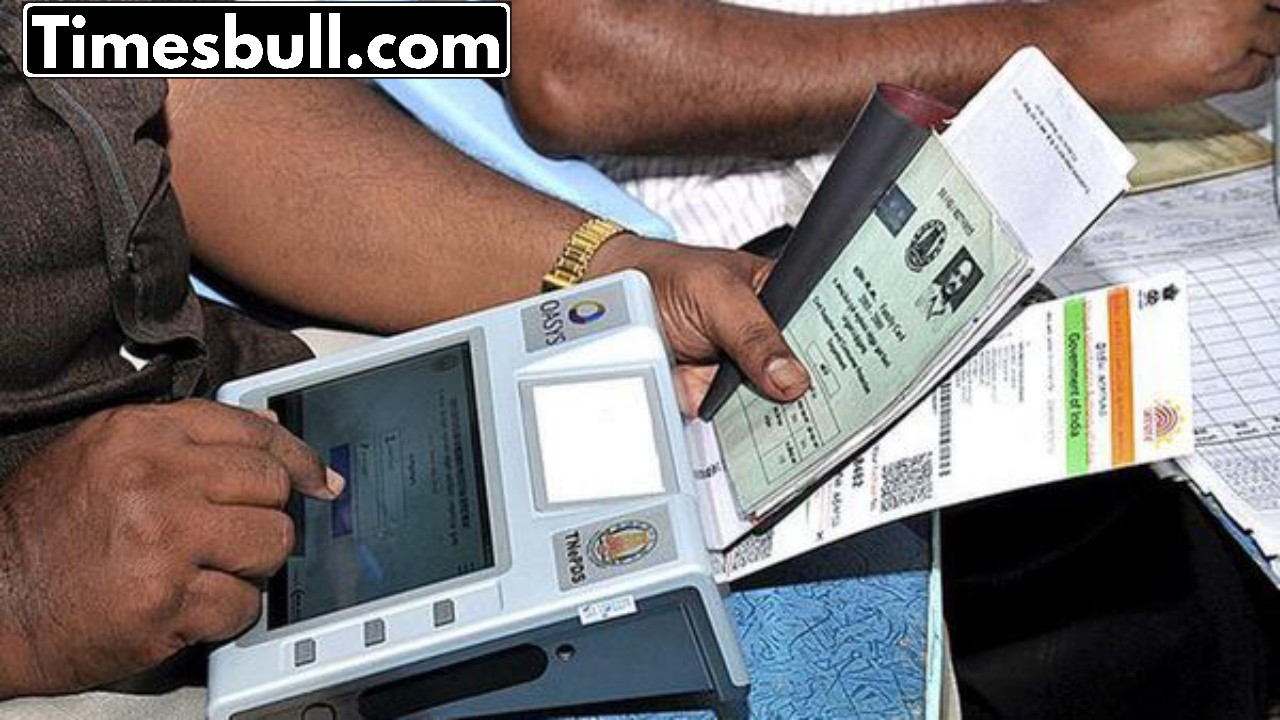
Big news for Ration Card holders. The Indian government has put out a crucial alert for those holding ration cards. If you have a ration card, it’s essential to finish your e-KYC process. The deadline has been pushed back a few times—first to January 31, then to February 15, and now it’s set for March 31, 2025. There are still about 12 lakh e-KYCs pending in remote areas.
To help those who haven’t completed it yet, the government has extended the deadline statewide. If you don’t get this done, your ration card could be canceled, and you won’t be able to access the benefits it provides. But if you haven’t done your ration card e-KYC yet, don’t stress.
You can easily complete this process by heading to your nearest ration distribution center. In this article, we’ll guide you on how to get your ration card e-KYC done, even if you’re away from your city.
How to complete e-KYC for Ration Card?
1. Start by visiting your state’s official ration card or public distribution system (PDS) website.
2. Log in using your registered home address, or create an account with your mobile number or email.
3. Look for the e-KYC option, which you’ll find under Ration Card Services or Update Details on the homepage.
4. Enter the Aadhaar number linked to the head of the family or the ration card holder, and make sure the mobile number linked to Aadhaar is active.
5. You’ll receive a One Time Password (OTP) on your registered mobile. Enter this OTP on the portal to verify your Aadhaar.
6. Once verified, your e-KYC will be updated. Don’t forget to save or screenshot the confirmation for your records.
To get your Ration Card e-KYC sorted, you’ll need a few things:
– Your Aadhaar card.
– Your ration card number.
– The mobile number linked to your account.
Here’s how to use the My Ration 2.0 app:
1. Start by downloading the My Ration 2.0 app.
2. Log in by entering your details and provide your info.
3. Next, finish the verification by adding your Aadhaar number.
Latest News
- PM Kisan Samman Nidhi Yojana: नहीं मिल रही 2000 रुपये की किस्त तो किसान तुरंत करवा लें यह काम

- Aadhaar Card Update Rules – How Many Times Can You Change Address, DOB & Number?

- Train Ticket: How to book a confirmed train ticket without an agent? Learn the Easy Steps

- Indian Railways– 155 Trains Express Declared High-Speed, Thousands of Railway Staff to Benefit

- Monsoon Alert – Warning Heavy to Very Heavy Rain alert & thunderstorms in 22 States Over Next 4 Days

- America-Iran War: मिडिल ईस्ट में तनाव होगा खत्म! ईरान ने होर्मुज रास्ते पर कही बड़ी बात

- PM Surya Ghar Yojana 2026: Get Up to Rs 78,000 Subsidy within 6 Easy Steps, Know Here

- Cheapest Available 5G Smartphones in India Under 10000

- UPSC Prelims Answer Key 2026 – How to Download UPSC Prelims Answer Key at upsc.gov.in

- 8th Pay Commission: एनपीएस और पुरानी पेंशन में कौन सी बेहतर, जानिए बड़ा अपडेट

