

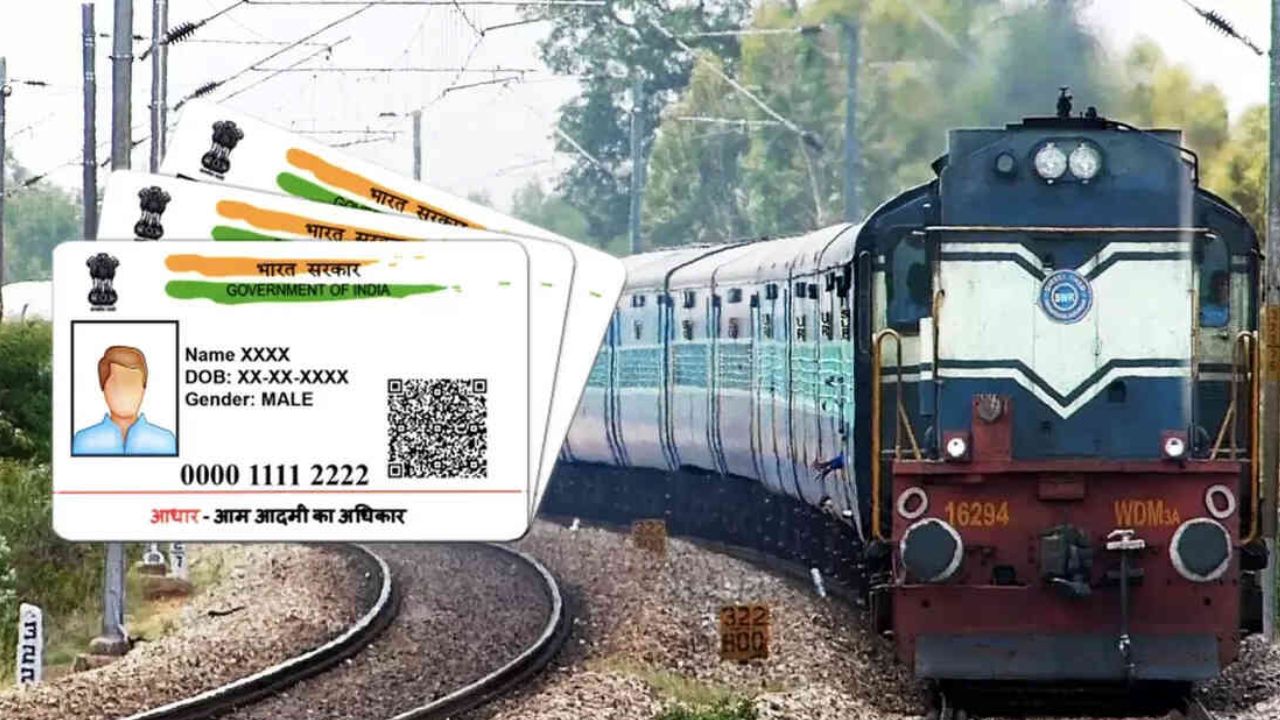
Indian Railways has taken a big step to make ticket booking safe and fair. The Railway Ministry said on Monday that from October 1, 2025, only people whose IRCTC accounts are linked to Aadhaar can book tickets in the first 15 minutes. If your account is not linked to Aadhaar, you cannot book tickets in this time. Here is how to check if your account is linked and how to link it if it is not.
Railways say that many ticket agents and some fake users block seats as soon as booking opens. This stops real passengers from getting tickets. To fix this, Aadhaar linking is now needed. Officials say this will make booking fair and help real passengers. The 10-minute limit for agents will stay the same.
How to Check:
First, log in to the IRCTC website or app. Go to My Account and then My Profile. You will see the Aadhaar KYC option. If your Aadhaar is linked, it will show KYC Verified or Aadhaar Verified. If it is not linked, you can enter your Aadhaar number.
How to Link Your Aadhaar:
If your account is not linked, you can do it easily. Log in to the IRCTC website or app. Go to My Profile and click Aadhaar KYC. Enter your 12-digit Aadhaar number and click Submit. You will get an OTP on your linked mobile number. Enter the OTP. After verification, your account will be linked to Aadhaar and it will show “Aadhaar Verified.”
Latest News
- Apple MacBook Neo Deal Alert: Get It For Under ₹58,000 on Amazon Right Now

- Pakistan Attack: आत्मघाती हमले से दहला पाकिस्तान, 23 लोगों की मौत, 50 से ज्यादा घायल, जानें

- Honor Magic 9 Series Leaks: Flagship Upgrades with Massive 8,000mAh Battery and 200MP Cameras

- Motorola Edge 60 Fusion Review: Mid-Range King or Outdated?

- FD Update– Breaking Your FD Early? Know the consequences

- Bank Holiday–RBI Announces Closure of SBI, HDFC and All Banks Next Week, Save the Dates

- Samsung Galaxy S26 Ultra Amazon Deal – Get ₹23,509+ Discount with Bank Offers and Exchange Benefits

- Best Scooters For College Girls 2026 – Perfect Mix Of Mileage, Style And Lightweight Design

- Kodak Matrix QLED Google TV 2026 Series Launched in India Just Under 10,999

- Senior Citizen FD Rates: सीनियर सिटीजन को यहां से मिल रहा बंपर ब्याज, जल्द करें निवेश
