

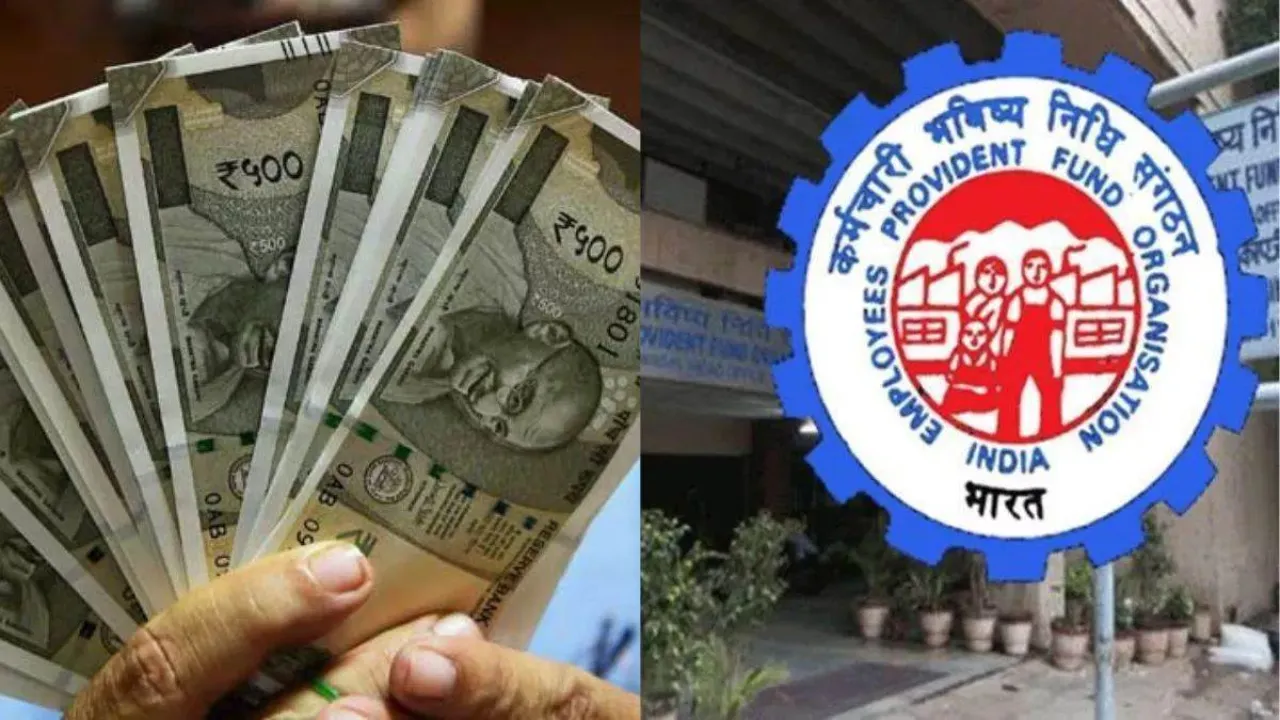
PF Account Transfer – After leaving the old job and joining a new job, it is very important to transfer the balance from the Employee Provident Fund account of the old employer to the account of the new employer. This allows retirement savings to grow continuously without any interruption. Also, you get the benefit of compound interest and your deposit also grows rapidly. The Employees’ Provident Fund Organization (EPFO) has provided the online facility of Provident Fund (PF) balance transfer.
Online transfer process
EPFO has provided a simple online system for PF transfer. This is the step by step process to use it. First of all, go to your UAN portal and activate UAN. Keep in mind that your UAN number should be linked to Aadhaar, bank account and mobile number. Then log in to the account on the portal with the help of UAN and password. After this, go to the One Account One EPF Account option and submit on the transfer request.
Here, check the PF details of your old employer and new employer. Now, based on the availability of digital signature, choose one employer to certify the claim. After this process is completed, an OTP will come on the mobile number linked to your UAN number. Enter it.
You can also exit on your own
For PF transfer, it is necessary that the old employer has entered your exit date on the portal. If this has not happened, then update it with the option of Manage-Make Exit. Please note that a transfer request can be given only once on the same old PF account.
After applying, you can check the status of the transfer by going to Track Claim Status. If the entire process is done online, there is no need to submit physical Form 13, but if you have two UAN numbers or you have worked in a different PM Trust, then you will have to go through the offline process. For this, you will have to fill Form 13, get it signed by the employer and submit it to the regional office of EPFO.
Latest News
- Weather warning – Heavy Rain, thunderstorms, lightning Alerts for 13 States Over Next 3 Days

- UP TGT Exam City Slip 2026 Released – Download at upessc.up.gov.in, Exam June 3-4

- ATM Alert: एटीएम में फंस जाए डेबिट कार्ड तो घबराएं नहीं, फटाफट यह काम करने से होगा समाधान

- Post Office Scheme – 7.5% Interest Rate, ₹5 Lakh Becomes ₹7,24,974 in 5 Years, Start with Just ₹1,000

- Best AI Video Editing Laptops Under 60,000 INR: Top Picks Her

- Best CNG Cars: पेट्रोल के बढ़ते दाम के बीच ये सीएनजी गाड़ी खरीदकर खर्च करें कम, माइलेज भी जबरदस्त

- Samsung Stable One UI 8.5 Update to Galaxy Tab S10 FE and Tab S10 FE+

- बुढ़ापे की लाठी बनेंगी ये तीन स्कीम्स, निवेश से पहले जानिए कितना मिल रहा ब्याज

- OnePlus Nord CE 6 vs Samsung Galaxy A57: Which Mid-Range 5G Phone Wins?

- Lenovo LOQ 15 Gen 11 Review: Best Budget Gaming Laptop?

