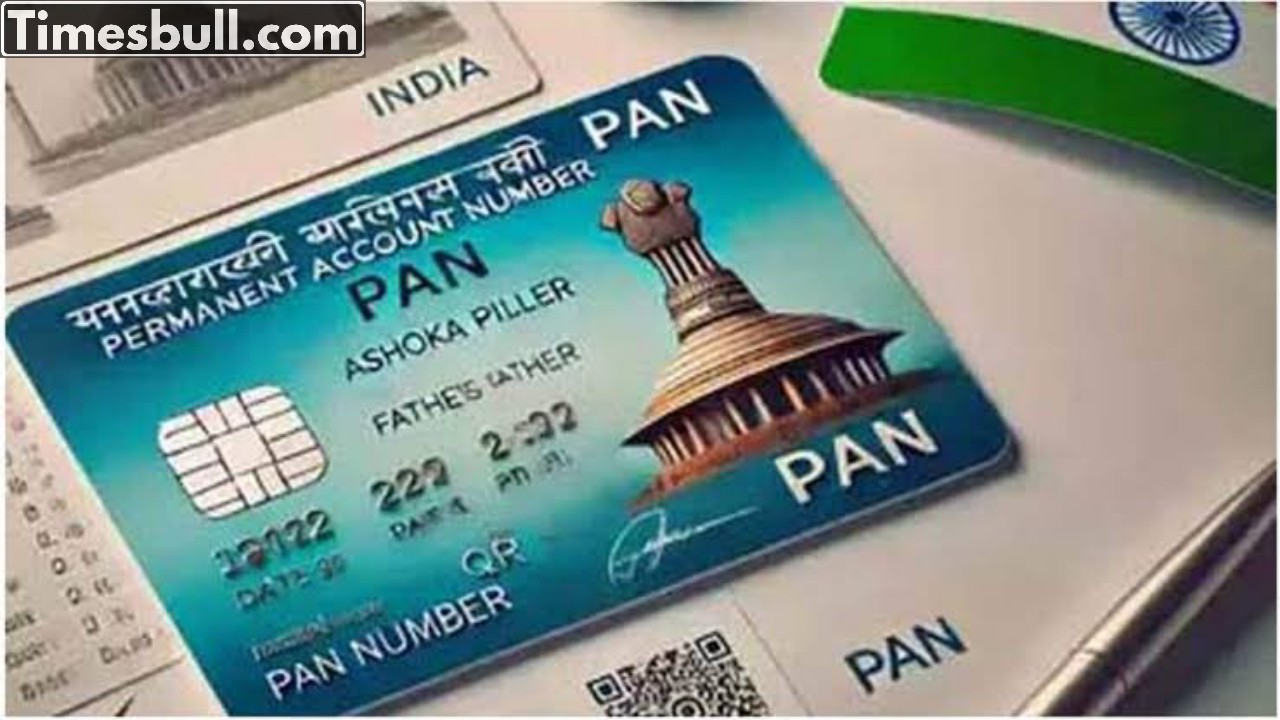
E-PAN Download: You can obtain your PAN online in just 10 minutes. The E-PAN service is the most efficient way to acquire an instant PAN. This process is entirely online, quick, and secure, allowing you to receive your PAN within minutes without any complications. The Permanent Account Number (PAN) is a 10-digit alphanumeric identifier issued by the Income Tax Department, essential for various financial activities such as filing income tax returns (ITR), opening bank accounts, and investing in the stock market. If you urgently require a PAN card, the Income Tax Department’s e-PAN service enables you to obtain one in a matter of minutes.
The procedure for acquiring an e-PAN is fully online and free of charge, consisting of a few simple steps. Begin by opening a web browser and navigating to the official Income Tax Department website at https://www.incometax.gov.in/. You will find the Instant e-PAN option in the Quick Links section on the homepage; click on it.
Follow these steps to download e PAN card
Proceed to the Income Tax e-filing portal.
Select Instant e-PAN.
On the e-PAN page, click on the Check Status / Download PAN option.
Input your 12-digit Aadhaar number.
Tick the checkbox below.
Click Continue.
An OTP will be sent to the mobile number associated with your Aadhaar card.
Enter the OTP and click on continue.
Subsequently, another screen will appear, offering options to View E-PAN and Download E-PAN.
Choose the ‘Download e-PAN’ option.
Finally, click to save the PDF file, and your e-PAN will be downloaded.
Latest News
- Indian Railways– 155 Trains Express Declared High-Speed, Thousands of Railway Staff to Benefit

- Monsoon Alert – Warning Heavy to Very Heavy Rain alert & thunderstorms in 22 States Over Next 4 Days

- America-Iran War: मिडिल ईस्ट में तनाव होगा खत्म! ईरान ने होर्मुज रास्ते पर कही बड़ी बात

- PM Surya Ghar Yojana 2026: Get Up to Rs 78,000 Subsidy within 6 Easy Steps, Know Here

- Cheapest Available 5G Smartphones in India Under 10000

- UPSC Prelims Answer Key 2026 – How to Download UPSC Prelims Answer Key at upsc.gov.in

- 8th Pay Commission: एनपीएस और पुरानी पेंशन में कौन सी बेहतर, जानिए बड़ा अपडेट

- Xiaomi 17T Launching With Leica 5x Zoom and Huge 6,500mAh Battery Under ₹60,000

- NEET UG 2026 – Haryana & Bihar Announce Free Bus Service for Candidates on June 20-21

- PM Kisan 23rd Installment: Farmers to get Rs 2000 in June? Know Here