

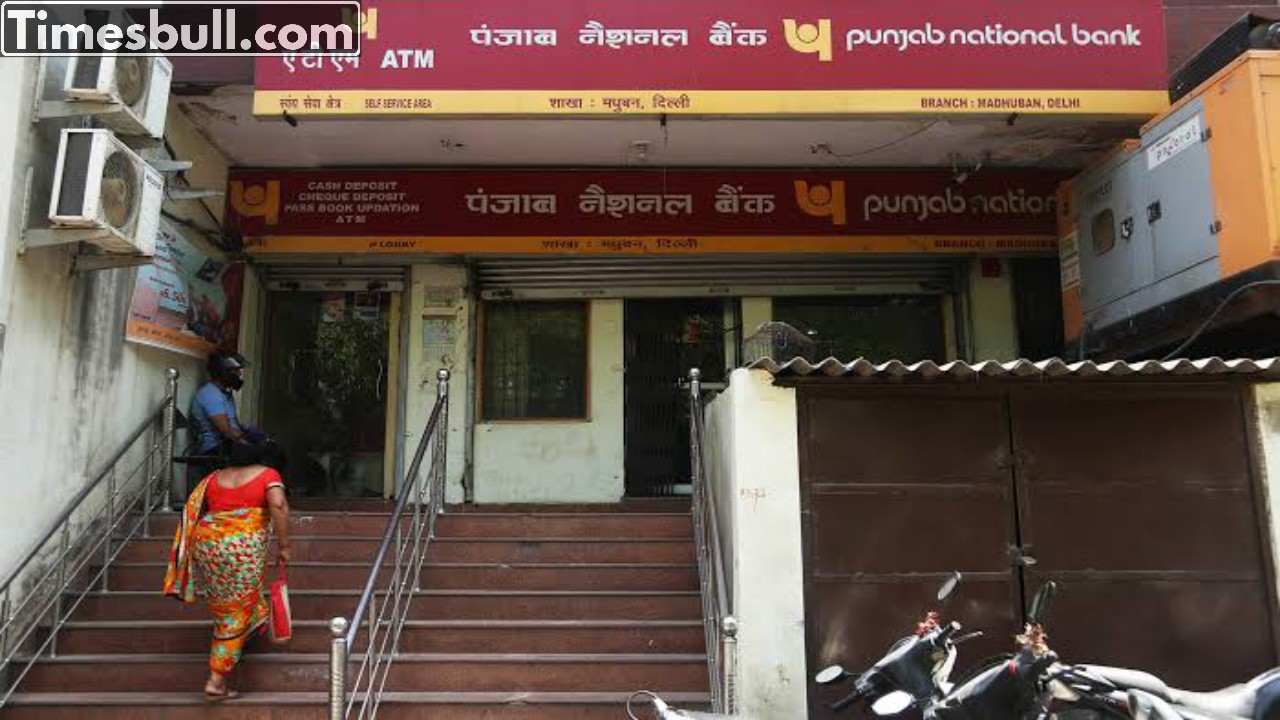
KYC: Punjab National Bank (PNB) has asked its customers to update their KYC (Know Your Customer) details. The bank (PNB) has asked customers to update their KYC details by April 10. The bank has asked account holders to complete this KYC by the stipulated deadline if they do not want any disruption in their banking services.
Customers who are unable to update their KYC information will have their accounts suspended or closed. So if you are also a PNB customer, then definitely check whether your KYC information is updated or not. If your KYC is not done, then definitely do your KYC and save your account from being closed. You can do KYC even while sitting at home
You can complete the KYC process from your home through online KYC app:
For this, first download PNB One app from Google Play Store or Apple App Store.
Log in with your credentials.
Go to KYC update option in the app.
Check whether your KYC is updated or not. If the status shows pending update then click on ‘Update KYC’.
Verify your identity through OTP-based Aadhaar verification process.
Enter the OTP received on your registered mobile number linked with Aadhaar and ensure that your mobile number is linked with Aadhaar for OTP verification. After this your KYC will be done.
Offline KYC Method
Visit your nearest PNB branch with original and photocopies of the required documents
Fill the KYC update form provided by the bank, provide the documents and wait for bank verification.
Once your KYC update is complete, you will receive a confirmation message from PNB.
Latest News
- PM Kisan Samman Nidhi Yojana: नहीं मिल रही 2000 रुपये की किस्त तो किसान तुरंत करवा लें यह काम

- Aadhaar Card Update Rules – How Many Times Can You Change Address, DOB & Number?

- Train Ticket: How to book a confirmed train ticket without an agent? Learn the Easy Steps

- Indian Railways– 155 Trains Express Declared High-Speed, Thousands of Railway Staff to Benefit

- Monsoon Alert – Warning Heavy to Very Heavy Rain alert & thunderstorms in 22 States Over Next 4 Days

- America-Iran War: मिडिल ईस्ट में तनाव होगा खत्म! ईरान ने होर्मुज रास्ते पर कही बड़ी बात

- PM Surya Ghar Yojana 2026: Get Up to Rs 78,000 Subsidy within 6 Easy Steps, Know Here

- Cheapest Available 5G Smartphones in India Under 10000

- UPSC Prelims Answer Key 2026 – How to Download UPSC Prelims Answer Key at upsc.gov.in

- 8th Pay Commission: एनपीएस और पुरानी पेंशन में कौन सी बेहतर, जानिए बड़ा अपडेट
