

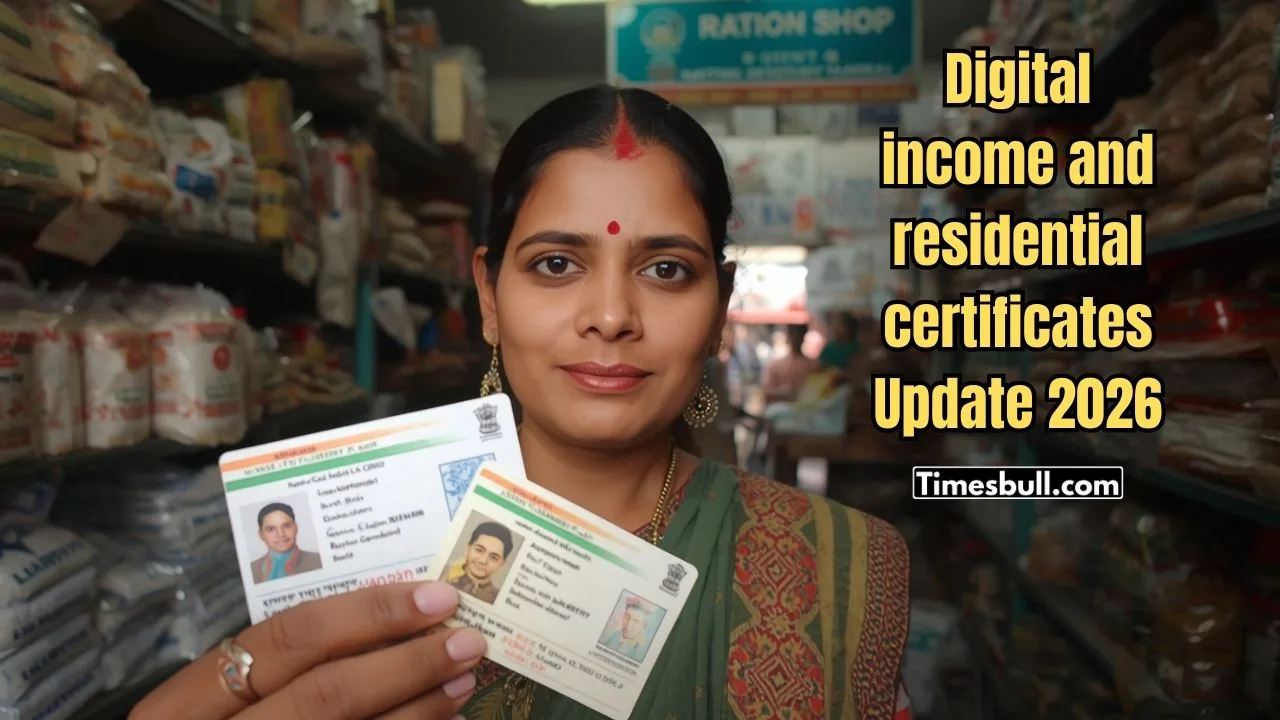
The present era is the digital era. So, in keeping with the times, a big step has been taken for the citizens living in the gram panchayat areas of West Bengal. From now on, there will be no need to stand in line at the panchayat office for an income certificate or a permanent resident certificate. The digital certificate will be available online from now on.
Method of creating digital income and residential certificates
From now on, income and residential certificates will be available using a smartphone sitting at home. Citizens living in the gram panchayat areas of West Bengal can avail this facility through the state government’s ‘WBPMS’ portal. See at a glance what documents will be required for this.
1) Coloured passport-size photograph
2) Voter card
3) Aadhaar card
4) Panchayat member format
All these documents must be scanned or photographed and uploaded to the portal. It is to be noted that the file size must be kept correct while uploading the documents. If you apply online in the correct manner, you can get the certificate in your hands within just 24 hours.
Also read –EPFO’s New Mobile App Ready! Find Out When You Can Withdraw Money
See also –NHAI Big Decision – Getting a FASTag for Cars Just Got Easier – Read Details
How to apply?
Go to the ‘WBPMS’ portal and go to the ‘Citizen Corner’ option. You have to log in to the portal by verifying the OTP with your mobile number. Then you have to select the name of your district, block and gram panchayat. The parliament number can be mentioned. Then you have to fill the form with the name of the applicant, the name of the guardian, and the complete address.
Then you have to select which certificate you want. Upload all the scanned documents one by one to the right place. Then click on the ‘Submit’ button. After submitting the application, you have to login again in the same way after at least 24 hours. Go to the ‘Application Status’ option.
If your application is approved by the Panchayat Pradhan or officer, then you can download the digitally signed colored certificate by clicking on the ‘Ready to Download’ option. In this way, you can get digital services sitting at home.