

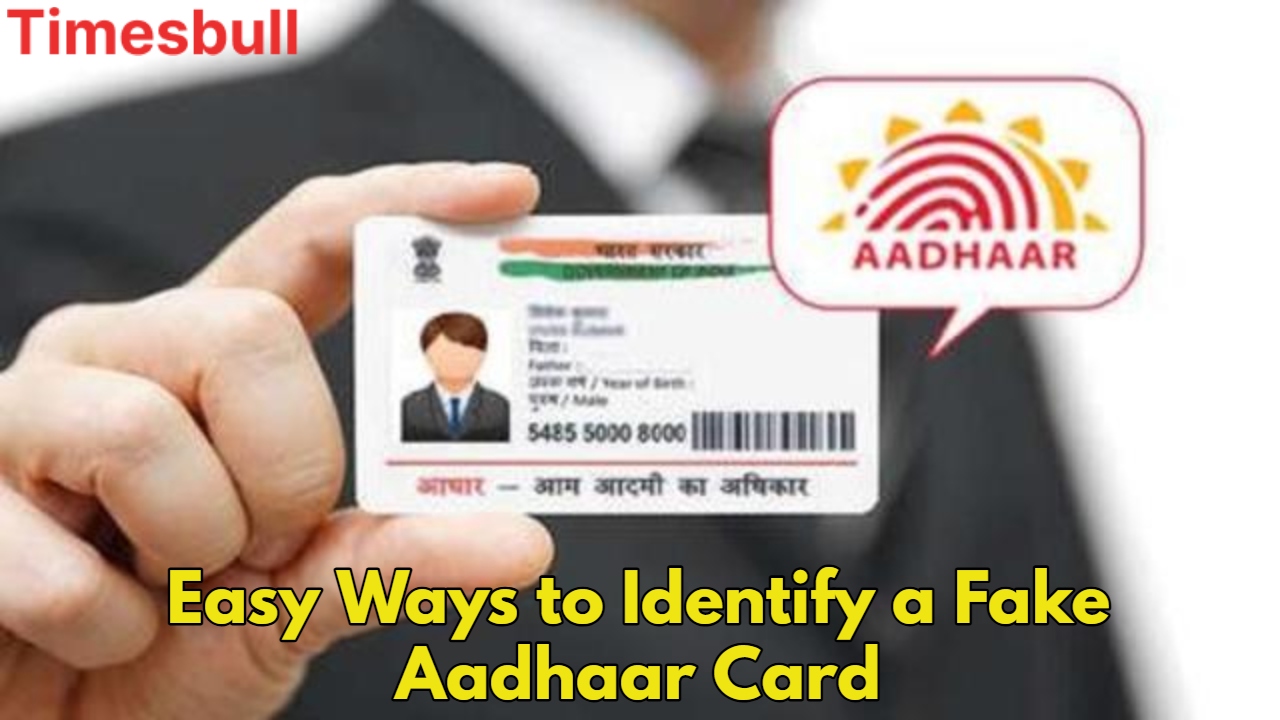
Fake Aadhaar Card: In today’s era, the Aadhaar Card is not just an identity card but has become the basis of countless government and private services. From opening a bank account to availing of government schemes, Aadhaar is mandatory everywhere. But, with the increasing utility of Aadhaar, the threat of fake Aadhaar cards has also increased rapidly. In such a situation, it has become very important for a common citizen to identify real and fake Aadhaar cards.
The good thing is that UIDAI (Unique Identification Authority of India) has launched many tools and features to increase the security of Aadhaar cards, with the help of which you can also identify fake Aadhaar cards yourself. Let us know how you can differentiate between real and fake Aadhaar in a few seconds so that you can avoid fraud.
Verify Aadhaar with a QR code
Every Aadhaar card has a unique QR code printed on it, which UIDAI has designed for verification. This is a quick and reliable way to check the authenticity of the Aadhaar card.
First of all, download the official Aadhaar QR Scanner App of UIDAI. This app is available for free on Google Play Store.
After opening the app, scan the QR code printed on the Aadhaar card.
If the Aadhaar card is genuine, the app will immediately show all the information related to your Aadhaar (such as name, date of birth, address, and gender) on the screen by matching it with the UIDAI database.
In a fake Aadhaar card, the QR code will either not work or will display incorrect information when scanned.
Online Aadhaar verification from UIDAI website
You can verify any Aadhaar number online on the official website of UIDAI (uidai.gov.in). This is very useful for situations where you do not have a QR scanner app or you want to check directly from the website.
- Visit the UIDAI website.
- On the homepage, you will find this option in the “Verify Aadhaar Number” or “Aadhaar Services” section. Click on this tool.
- Enter the 12-digit Aadhaar number in the box provided and fill in the captcha code.
- Click on the “Verify” button.
- If the Aadhaar number is genuine, the message “Aadhaar Number Exists” will appear on the screen, along with the age limit, gender, and state of the person linked to that Aadhaar number.
- If the Aadhaar number is fake or does not exist, an error message will appear.
How to identify a fake Aadhaar card
Fake Aadhaar cards are often created using software like Photoshop, and have some common mistakes or discrepancies that you can identify by looking carefully:
- The name, date of birth, or address often have typing mistakes or spelling mistakes.
- The Aadhaar number may have the wrong digits or be in the wrong format (e.g. less than or more than 12 digits).
- The QR code may either not be present, will not work when scanned, or will display incorrect information.
- The UIDAI logo on the Aadhaar card may be blurred or not positioned correctly.
- The printing quality of fake Aadhaar cards is often poor, colors may be faded, or the plastic coating may be uneven.
- Often the photo can be blurry or of low quality.
- If you see anything like this on any Aadhaar card, be alert immediately and verify it with the above methods.
Use e-Aadhaar
UIDAI now also accepts digital Aadhaar as valid identity proof. The e-Aadhaar PDF can be downloaded from the UIDAI website. Its biggest feature is that it comes with a digital signature, which greatly reduces the chances of fraud. If someone shows you an Aadhaar card, request him to show the e-Aadhaar. Check the digital signature in the e-Aadhaar PDF. If the signature is valid, it shows that the Aadhaar is genuine.
Measures to avoid fake Aadhaar card
Some important precautions should be taken to avoid fake Aadhaar cards and keep your identity safe:
Never give your Aadhaar number or photocopy to any unknown person.
If any institution or person asks for an Aadhaar card, give it only after verification and ensure its authenticity.
Whenever possible, use “Masked Aadhaar”, in which the full Aadhaar number is not visible, only the last 4 digits are visible. You can download it from the UIDAI website.