

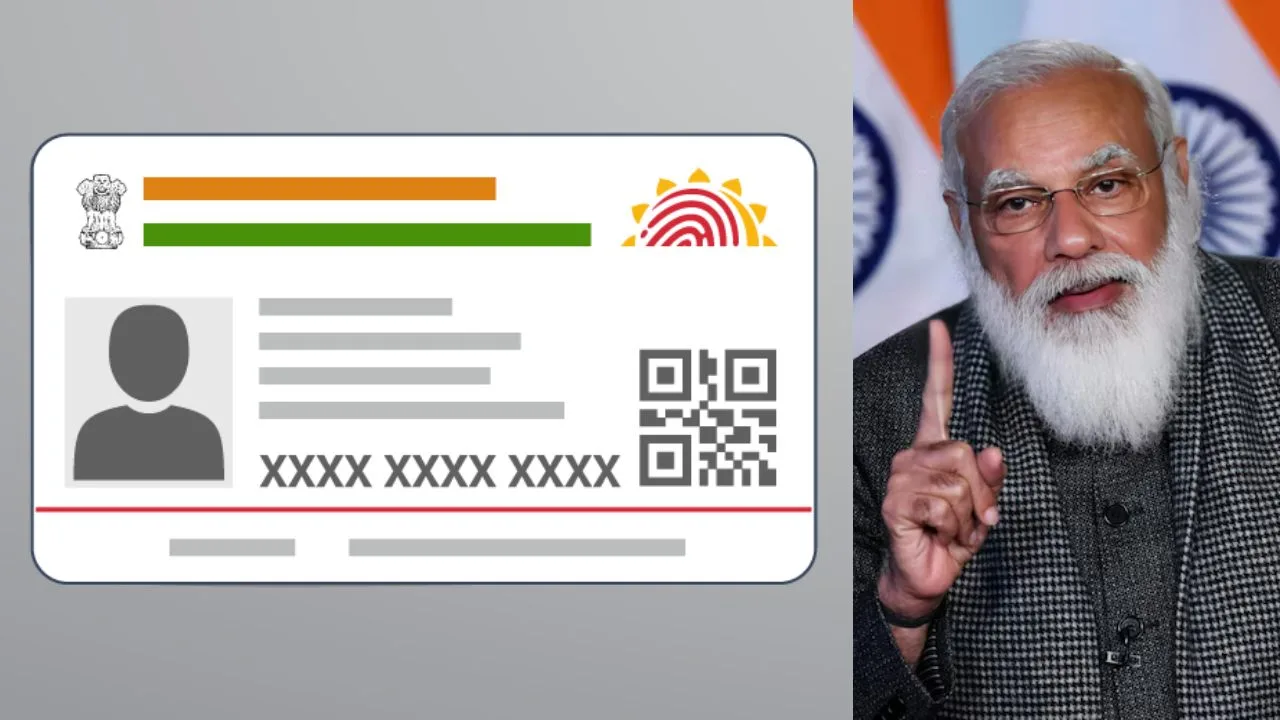
Aadhaar Card: In today’s digital age,Aadhaar has become the strongest basis for every Indian citizen’s identity. Whether opening a bank account,availing government subsidies,or proving your identity at the airport,Aadhaar is mandatory everywhere.
But did you know that sharing your full 12-digit Aadhaar number everywhere can pose a significant threat to your financial security and privacy? To prevent Aadhaar-related fraud and identity theft,UIDAI has introduced the unique feature of ‘Masked Aadhaar’. It is a digital security shield for your original Aadhaar,protecting your personal information. I
What is a Masked Aadhaar Card
Masked Aadhaar is a smarter and more secure version of your standard Aadhaar card. Its most important feature is that the first eight digits of your Aadhaar number are hidden,leaving only the last four digits visible. For example,if your actual Aadhaar number is 1234 5678 9012,it will appear as xxxx-xxxx-9012 in Masked Aadhaar.
Even though the numbers are hidden,it still contains all the necessary information,such as your name,photo,address,date of birth,and gender. It also contains a UIDAI digital signature and a QR code,which confirms its authenticity. It is designed to ensure verification without the risk of misappropriation of your entire number.
Also Read:-Lakhpati Didi Yojana: Women Get ₹5 Lakh Interest-Free Loan,Full Details Here
Where can it be used
According to UIDAI’s clear instructions,Masked Aadhaar can be used as a legally valid identity card in many places. You can use it when checking into hotels,to show your identity at airports or railway stations,and for verification when applying for jobs at private companies.
Additionally,providing a masked Aadhaar is a safe option for banking services like purchasing a SIM card or a personal loan,where only identity verification is required. However,keep in mind that where you’re availing direct benefits (DBT) of government schemes or full biometric authentication is required,the department may ask for your regular Aadhaar.
Steps to Download Masked Aadhaar
If you want to get your masked Aadhaar instantly through your smartphone,the mAadhaar app is the most convenient way. First,download the official mAadhaar app from the Google Play Store or App Store and log in with your registered mobile number. After completing the OTP verification,click ‘Download Aadhaar’ under the ‘Get Aadhaar’ section on the app’s homepage.
You’ll see two options: ‘Regular Aadhaar’ and ‘Masked Aadhaar’. Select ‘Masked Aadhaar’. Next,enter your Aadhaar number or virtual ID,fill in the captcha,and submit. After entering the OTP,your secure Aadhaar card will be saved to your phone in PDF format.
Also Read:-PM SVANidhi Credit Card Launched: Street Vendors Get ₹30,000 Interest-Free Credit
Process to download a masked Aadhaar
If you’re using a computer or laptop,you can download it directly from the official website. First,go to myaadhaar.uidai.gov.in and click on the ‘Download Aadhaar’ option. Enter your Aadhaar number,enrollment ID,or virtual ID. After entering the captcha code,click ‘Send OTP’.
Now,the most important thing—just above the OTP entry box,you’ll see a small checkbox that says “Do you want a masked Aadhaar?” Be sure to tick it. Then,enter the OTP and click ‘Verify and Download’. Your masked Aadhaar will be downloaded in a few seconds.