

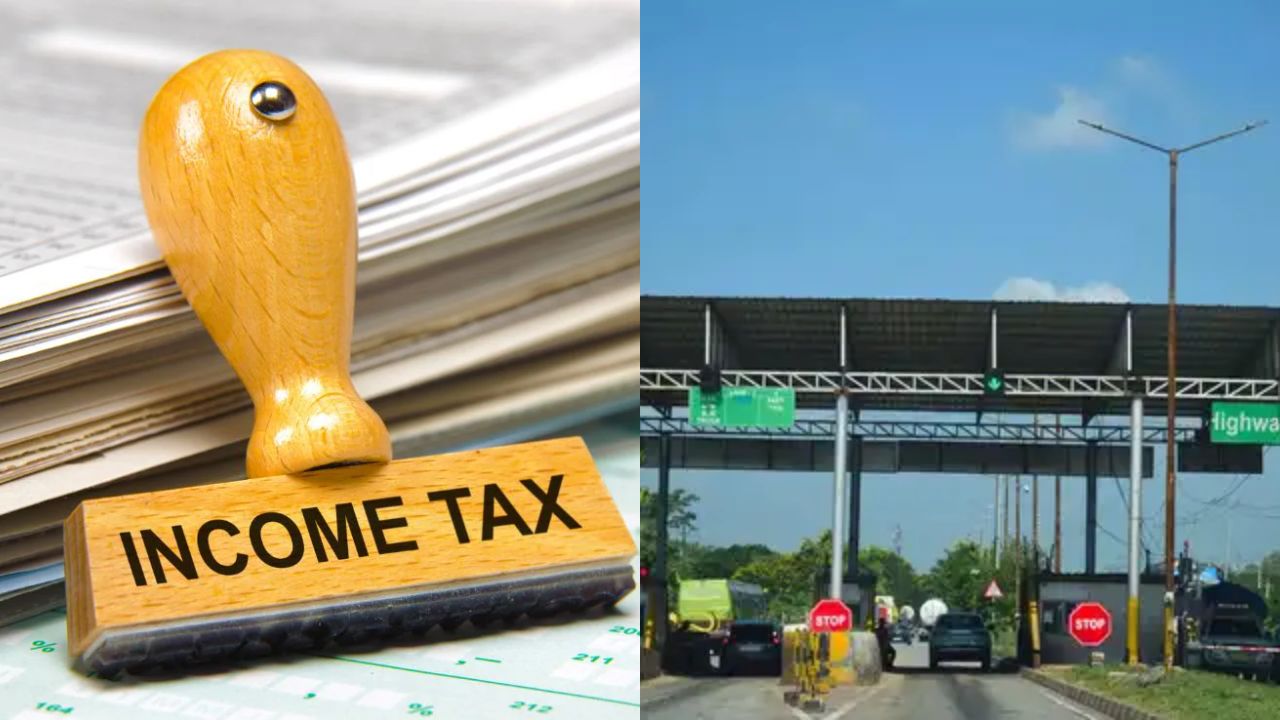
The Income Tax Department has finally activated the ITR-2 form for online filing on Thursday. Until now, only ITR-1 and ITR-4 forms were available for online filing. The ITR-2 form is now available on the Income Tax Department’s e-filing portal with pre-filled data. This will make it easier for taxpayers whose income includes capital gains, crypto income, or income from foreign assets.
The ITR-2 form is also for people who earn from salary or pension, have agricultural income of more than ₹5000, or have income from one or more house properties. Apart from this, the ITR-2 form can be used by those who earn from lottery, races, or other legal betting.
How to Use the ITR-2 Excel Sheet
To use the ITR-2 Excel sheet, first go to the e-filing portal of the Income Tax Department. There you will find the Excel-based ITR forms for ITR-2 and ITR-3. Download the file from the website. After downloading, you will get a ZIP file. This file will have an Excel spreadsheet inside it.
Open the Excel sheet. It will have many sections where you need to enter your income details and other information. After filling all the required information in the Excel file, go back to the e-filing portal. Then upload the filled file and submit your income tax return.
After submitting your return, you must verify it within 30 days. Only after that, your return will be accepted.
You Must Pay Pending Toll Tax Before Selling a Vehicle
If toll tax is not paid on your vehicle, then you will not be able to sell it. The central government is going to bring strict rules for this. Under the new rule, if toll tax is not paid, then an electronic challan will be made against your vehicle. The vehicle owner will get full details of the journey made on the highway. They will be asked to pay the due toll tax.
If the vehicle owner still does not pay the toll, then they will not be able to renew the registration certificate, pay annual tax, or get insurance. Also, they will not get the NOC which is needed to sell or register the vehicle in another state.
Latest News
- Weather Warning Delhi-NCR – Rain Alert & Dust Storm in Next 2-3 Hours, IMD Issues Yellow Alert

- PM Kisan Samman Nidhi Yojana: नहीं मिल रही 2000 रुपये की किस्त तो किसान तुरंत करवा लें यह काम

- Aadhaar Card Update Rules – How Many Times Can You Change Address, DOB & Number?

- Train Ticket: How to book a confirmed train ticket without an agent? Learn the Easy Steps

- Indian Railways– 155 Trains Express Declared High-Speed, Thousands of Railway Staff to Benefit

- Monsoon Alert – Warning Heavy to Very Heavy Rain alert & thunderstorms in 22 States Over Next 4 Days

- America-Iran War: मिडिल ईस्ट में तनाव होगा खत्म! ईरान ने होर्मुज रास्ते पर कही बड़ी बात

- PM Surya Ghar Yojana 2026: Get Up to Rs 78,000 Subsidy within 6 Easy Steps, Know Here

- Cheapest Available 5G Smartphones in India Under 10000

- UPSC Prelims Answer Key 2026 – How to Download UPSC Prelims Answer Key at upsc.gov.in
