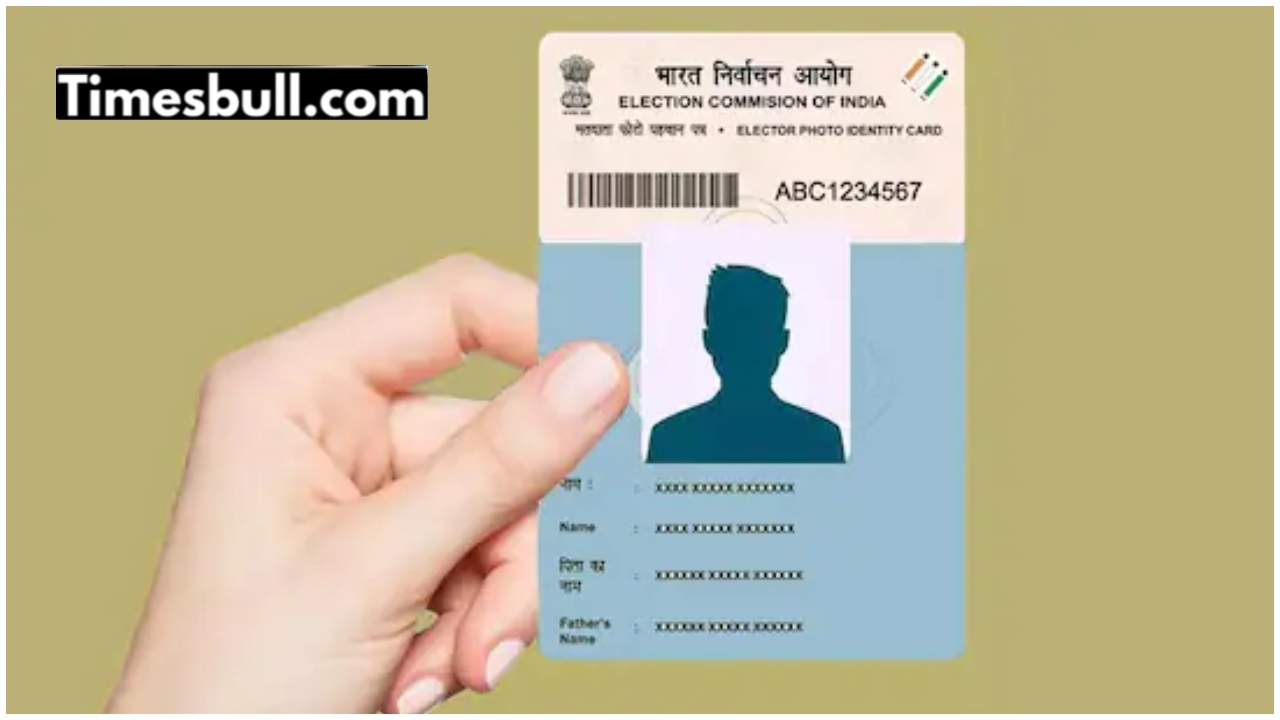
Voter ID Card: In India, different documents are required for different purposes. From banking to government schemes, identity and address are required everywhere. Voter ID is one of these important documents, issued by the Election Commission of India. It is not only a card granting the right to vote, but also a valid proof of identity and address.
So, if you’ve moved into a new home, changed cities, or even moved into a house within the same area, updating your voter ID address becomes essential. The good news is that there’s no need to wait in long queues or visit offices. The entire process can be completed easily online, from the comfort of your home. Learn how
How to update your address online?
To change your address from home, log in to the National Voter Service Portal. If you don’t have an account, register first. On the homepage, select the address correction or shifting option and click on Form 8. Here, you’ll need to fill in your basic information, such as name, date of birth, and voter details. Then, select the “Change your residence” option.
If the new home is within the same assembly constituency, select the appropriate option. If the area has changed, select the outside option. Then, enter the state, district, and constituency. Enter your Aadhaar number, mobile number, and email address. Upload the new address document. Accept the declaration and submit the form. Once the application is processed, your address will be updated in both the voter list and the card.
These documents will be needed
Valid address proof is required for address updates. Electricity, water, or gas bills, Aadhaar card, bank or post office passbooks, Indian passports, rent agreements, or property documents can be used, provided they clearly indicate the new address. After submitting your application, you can log in to the same portal and track the status using the reference number.
This will keep you informed of your application’s current status. If, for some reason, you are unable to complete the online process, you can also apply offline by visiting your nearest election office and filling out Form 8. After verification, your updated voter card will be sent to your address.
Procedure to change photo in Voter ID
- Visit the official website voters.eci.gov.in .
- Login with your mobile number, email or EPIC number or register a new one.
- Select “Correction of Entries in Existing Electoral Roll” option and open Form 8.
- Select “Photo” option for correction.
- Upload a new, passport size photograph (in the specified format).
- Submit the application and note down the reference number so that you can track it later.
Related Stories
 Business
 Business
 Business
 Auto
Auto Education
 Business
 latest news
 Business
 latest news
 latest news