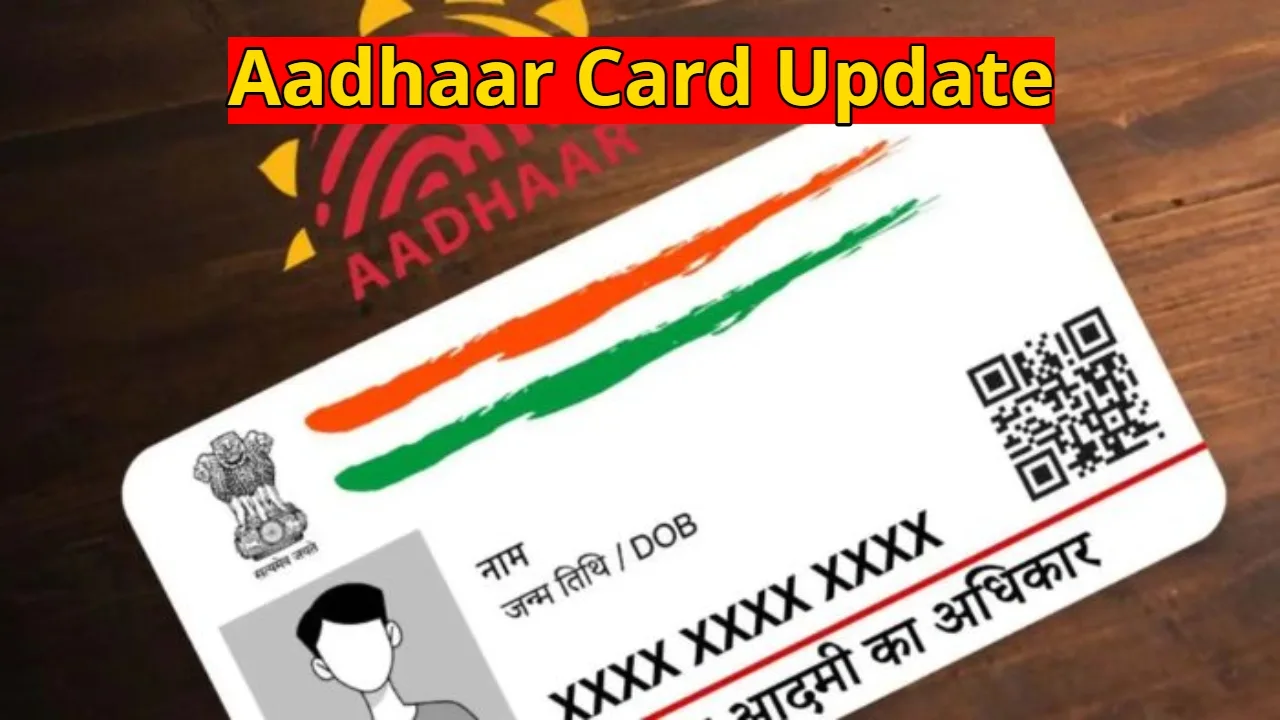
Aadhaar Card Update: Today, Aadhaar is not just an identity card, but has become part of our digital lives. Updating your Aadhaar card is crucial for opening a bank account or availing government schemes. We often delay updating our personal details. People typically update their mobile number, but neglect their email address and photo. Email is crucial for security alerts, OTPs, and important information. If your email address is not registered on your Aadhaar card, or if you want to change your old one, knowing this process will be beneficial.
How to Update Your Email Address on Your Aadhaar Card
To update your email address, first locate your nearest Aadhaar Seva Kendra. You can use the ‘Locate Enrolment Center’ option on the UIDAI’s official website. To save time, you can also book an appointment online in advance.
On the day of your appointment, arrive at the Aadhaar Seva Kendra at the designated time and bring your Aadhaar card with you. Inform the official present that you wish to update your email ID or add a new email address. Submit your valid and active email address. Biometric verification, including fingerprint or eye scanning, will be performed to confirm your identity. Upon completion, a fee of ₹50 will be charged. You will receive an Update Request Number (URN) that you can use to track the status of your update.
How to Change Your Aadhaar Card Photo
UIDAI also offers the option to change your photo in Aadhaar, but this cannot be done online. To update your photo, you must visit the nearest Aadhaar Enrolment Centre or Aadhaar Seva Kendra. Your new photo was taken there; you do not need to bring your photo with you.
To do this, visit the UIDAI website, uidai.gov.in, and select the Enrollment and Update Forms option in the My Aadhaar section. Your biometric information will be re-captured at the center and a new photo will be uploaded. The fee for updating your photo is ₹100, including GST. You will be given a URN number upon completion of the process.
How to Download Your Updated Aadhaar Card
Once your photo or other information is updated, usually within 30 days, you can download and print your e-Aadhaar in PDF format from the ‘Download Aadhaar’ option in the ‘My Aadhaar’ section on the UIDAI website.
How to Check the Status of Your Aadhaar Update
If you want to know how far your Aadhaar update has progressed, go to the ‘Check Update Status’ option on the UIDAI website. Entering your URN number will provide you with the current status of the update.
Related Stories
 latest news
 Gadgets
 Education
 Business
 Auto
Auto Business
 Education
 latest news
 Auto
Auto Education