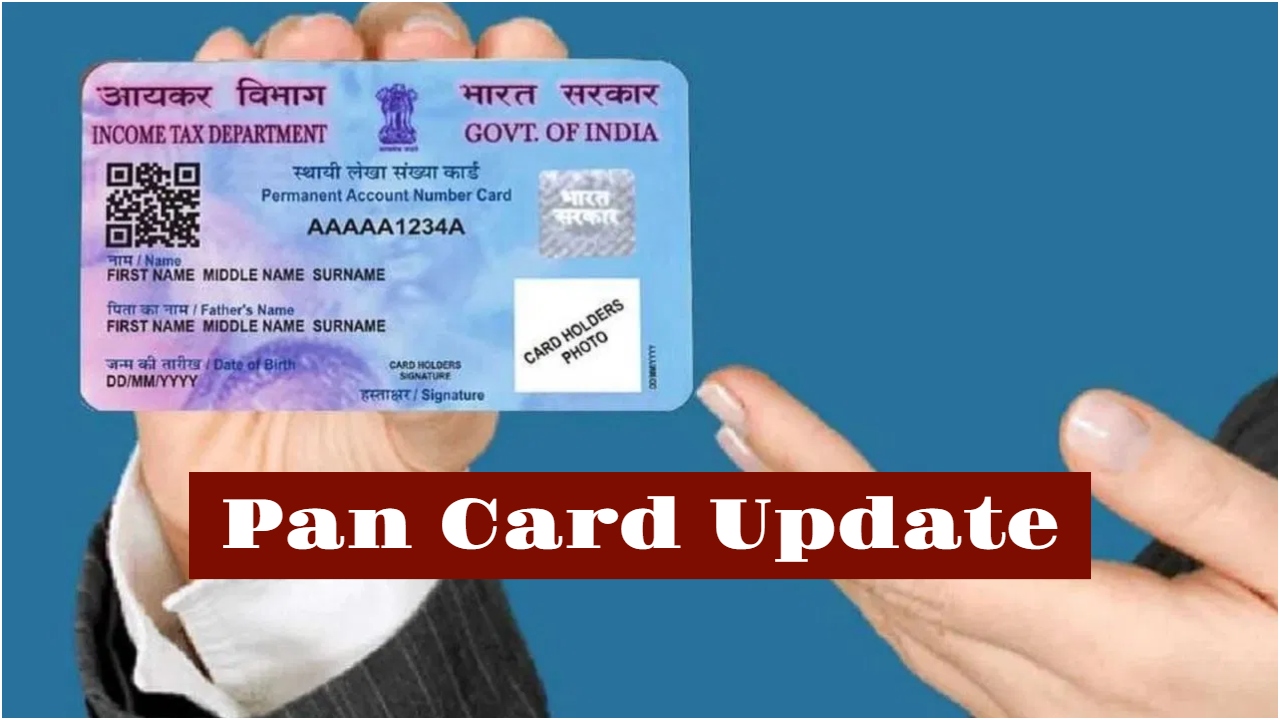
PAN-Aadhaar Linking Deadline: The PAN card is a very important document for financial transactions, and without it, essential tasks can get stalled. Linking your PAN card to your Aadhaar card has been made mandatory. If you don’t link your PAN card to your Aadhaar card by the deadline, you may face consequences.
The deadline for linking PAN to Aadhaar has been set as December 31, 2025. You must link your PAN card by this date. The chances of an extension are slim, as the deadline has already been extended several times. From January 1st, your PAN card may stop working. You won’t be able to file your Income Tax Return (ITR) or even open a bank account.
What will happen to your PAN card after the deadline?
If you don’t link your PAN card to your Aadhaar card by the specified date, it will become inactive. If you fail to link your PAN to your Aadhaar for any reason, you may also face a penalty. Currently, the penalty for this is relatively low. Therefore, make sure your PAN card doesn’t become inactive. Complete this important task before the deadline.
What will happen if you don’t link your PAN?
If you don’t link your PAN card, it will become inactive. You will face difficulties while filing your income tax return. You will have to pay higher TDS/TCS. You will face problems opening a bank account and obtaining credit/debit cards. Depositing more than Rs. 50,000 in cash will also become difficult. KYC-related services will also be affected.
How to link PAN and Aadhaar card online?
Linking your PAN card to your Aadhaar online is easy.
First, go to the Income Tax e-filing portal and select “Link Aadhaar”.
Then, enter your Aadhaar number and PAN, and click on “Validate.
After that, enter the OTP and make a payment of Rs. 1,000.
After a few days, you will need to visit the e-filing portal again.
Then, under the “Link Aadhaar” option, enter your details as before. Then a pop-up will appear stating, “Your payment details have been verified.”
Next, you will need to click on “Continue, and enter the requested details.
After checking all the details, you will need to verify your Aadhaar.
Finally, enter the 6-digit OTP, click on the “Link Aadhaar” option, and then click on “Validate.

vipin kumar
Vipin Kumar is An experienced journalist with 8 years in the media industry, having worked with prominent news platforms including Dainik Jagran and News24. Currently serving at Timesbull.com for almost four years, dedicated to delivering truthful, transparent, and people-centric news that informs and empowers readers. Committed to transparent, ethical, and...
