
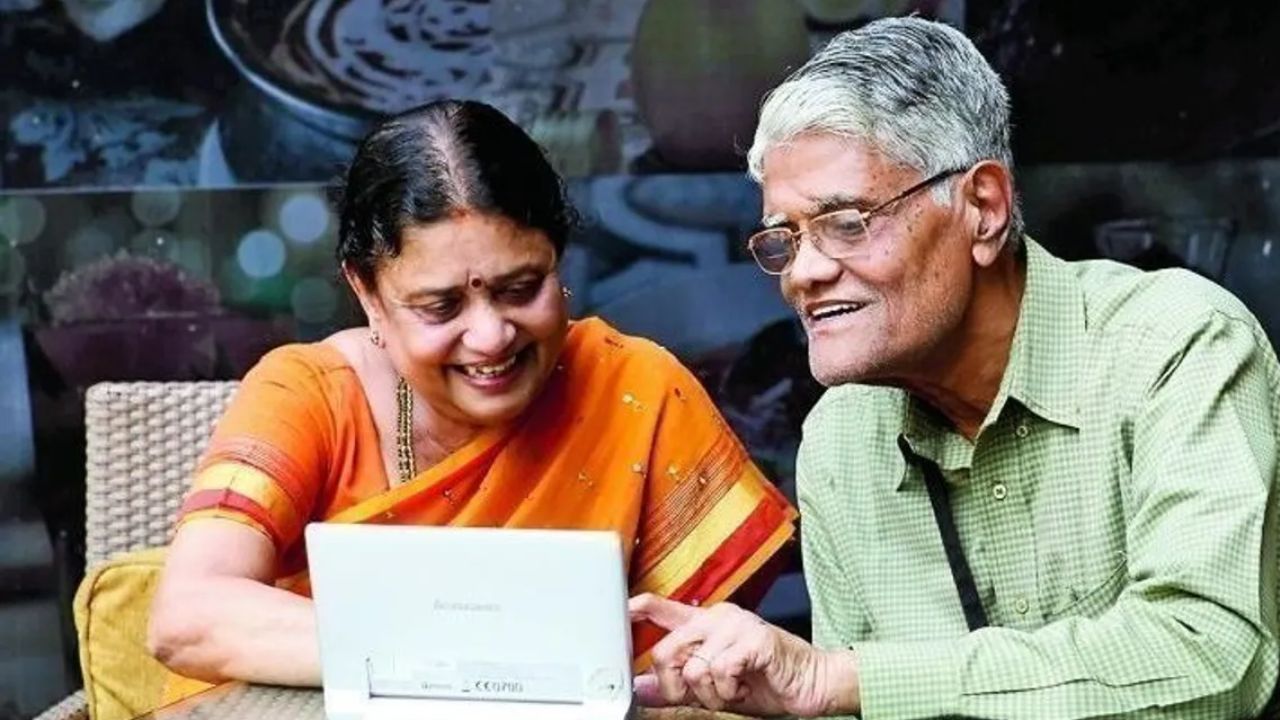
For many pensioners, submitting a life certificate every year meant getting up early in the morning, standing in long queues and dealing with countless paperwork. This task used to be a big stress for many due to illness, being away from home or physical fatigue. Now, with the help of face authentication technology, that problem has been largely eliminated. It is possible to submit a digital life certificate from home using just a smartphone, which is directly sent electronically to the pension paying office.
Here is a step-by-step explanation of how to do this process easily.
Gather the necessary information at the beginning
Keep all the information in one place before downloading the app. Keep the pensioner’s Aadhaar number, PPO number, and mobile number linked to Aadhaar ready. Along with this, keeping the details of the bank and pension paying office handy reduces the chances of mistakes later.
Use a phone with a good front camera. Even if the pensioner does not have his own smartphone, there is no problem. Someone in the family can use the phone. However, it is important to have a good front camera, internet connection, and updated software on the phone. If the phone is very old or has a bad camera, the face scan may fail repeatedly.
Download only government apps. Usually, two apps are required—one for Aadhaar face authentication and the other is the Jeevan Prashant Face App. Download these only from the official app store. Avoid links sent through WhatsApp links or unknown phone calls. Many times, the face authentication part works in the background, so it may not be necessary to open the app separately.
Also Read –SIP or lump sum, which gives more returns, read details before investing
Complete operator authentication once
When you open the Jeevan Praan app for the first time, the operator may ask for authentication. This is a setup step, which can be completed by the pensioner or a family member. Once done, it usually does not need to be done again.
Enter the information correctly, then scan the face
This step requires the most caution. Enter the Aadhaar number, PPO number, bank name, pension office details and mobile number correctly. Especially double-check the PPO number.
Sit in bright light during the face scan, make sure that the light is not falling on your face. Hold the phone at eye level and keep it steady. If you fail repeatedly, try again by changing the light or location.
Read More –1401 Paddy Market Rate
Save the acknowledgement and Jeevan Praan ID
If submitted successfully, a Jeevan Praan ID will be displayed and usually an SMS will also come. Note down the ID or take a screenshot. Usually, there is no need to submit it separately anywhere.
Fraudulent calls increase during life certificate. There is no need to share OTP, install unknown apps or give remote access to the phone in any legitimate process. If in doubt, go to the bank or an authorized service center.
With this digital system, it is now possible for pensioners to complete the annual one-day rush from home peacefully, and the risk of delay in receiving pension is also greatly reduced.