

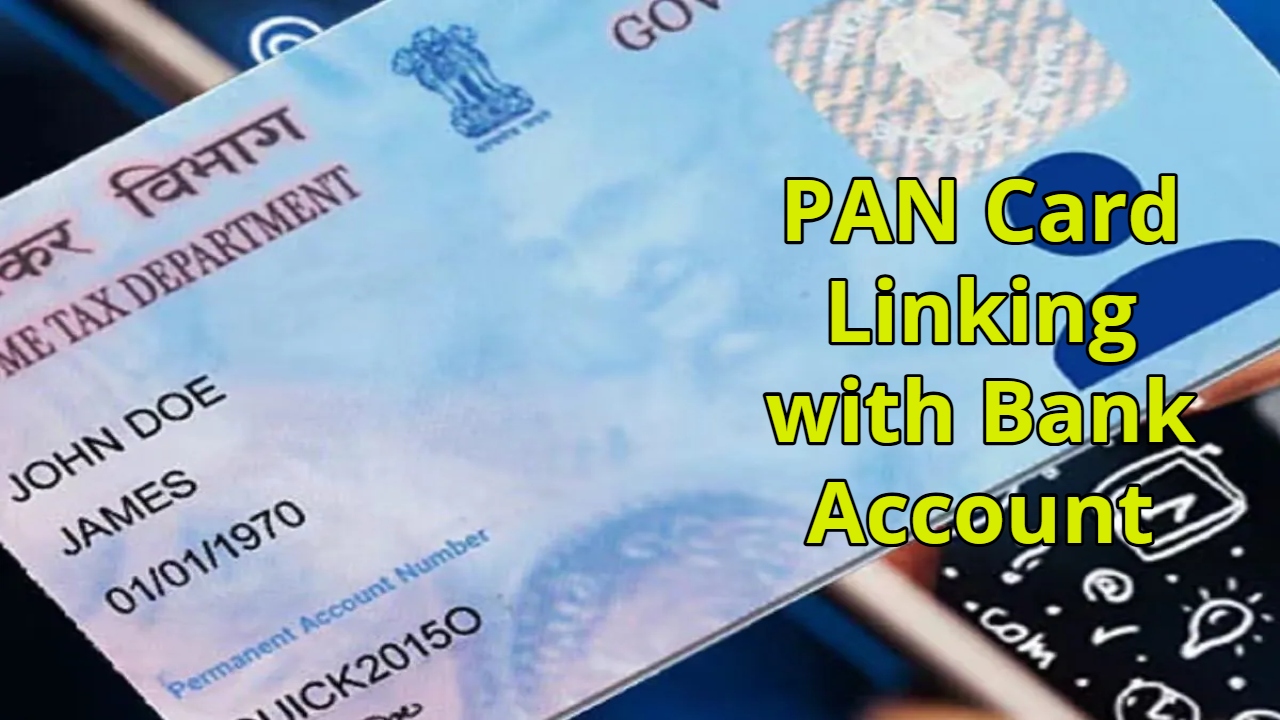
PAN Card Linking with Bank Account: In today’s world, maintaining digital records of every financial transaction is extremely important. Whether it’s your salary, freelance income, or online payments, your banking information and tax details are all interconnected. For this reason, linking your PAN card to your bank account has become mandatory. Note that if your PAN and bank account are not linked, there may be delays in receiving your income tax refund. Additionally, you may face difficulties with online transactions, money transfers, or other banking services. In some cases, due to incomplete KYC, the bank may temporarily suspend certain services.
Read Here: Save Rs 333 Daily and Get Rs 23 Lakhs – Invest in this LIC Scheme
Linking PAN to Bank Account is Essential
The Central Board of Direct Taxes has made it clear that every savings account must be linked to a PAN number. This ensures that tax-related information is recorded correctly and refunds are credited directly to your bank account. If the PAN is not linked, there may be restrictions on banking services. These rules have been in effect since December 2016 for accounts with incomplete KYC.
Easy Way to Link PAN and Bank Account
The process of linking your PAN card to your bank account is now straightforward and can be completed online. First, ensure you know how many bank accounts you have in your name. Then, log in to your bank’s internet banking website or mobile app. After logging in, go to the Services or Service Request section, where you will find the option to update or link your PAN.
Read Here: Aadhaar Rules Change – Aadhaar Rules will Change with the New Year – Know What’s New
After clicking on this option, you will need to fill in information such as your PAN number, date of birth, and registered email ID. Carefully review all the details before submitting. If the information is correct, submit the form. Typically, the bank links the account to the PAN within 7 business days. If you have more than one bank account, you will need to complete this process separately for each account.
Why is linking your PAN card important?
To ensure uninterrupted transactions, online payments, and tax refund processes, link your PAN card to your bank account as soon as possible. Once this process is complete, your banking and tax-related services will function smoothly.