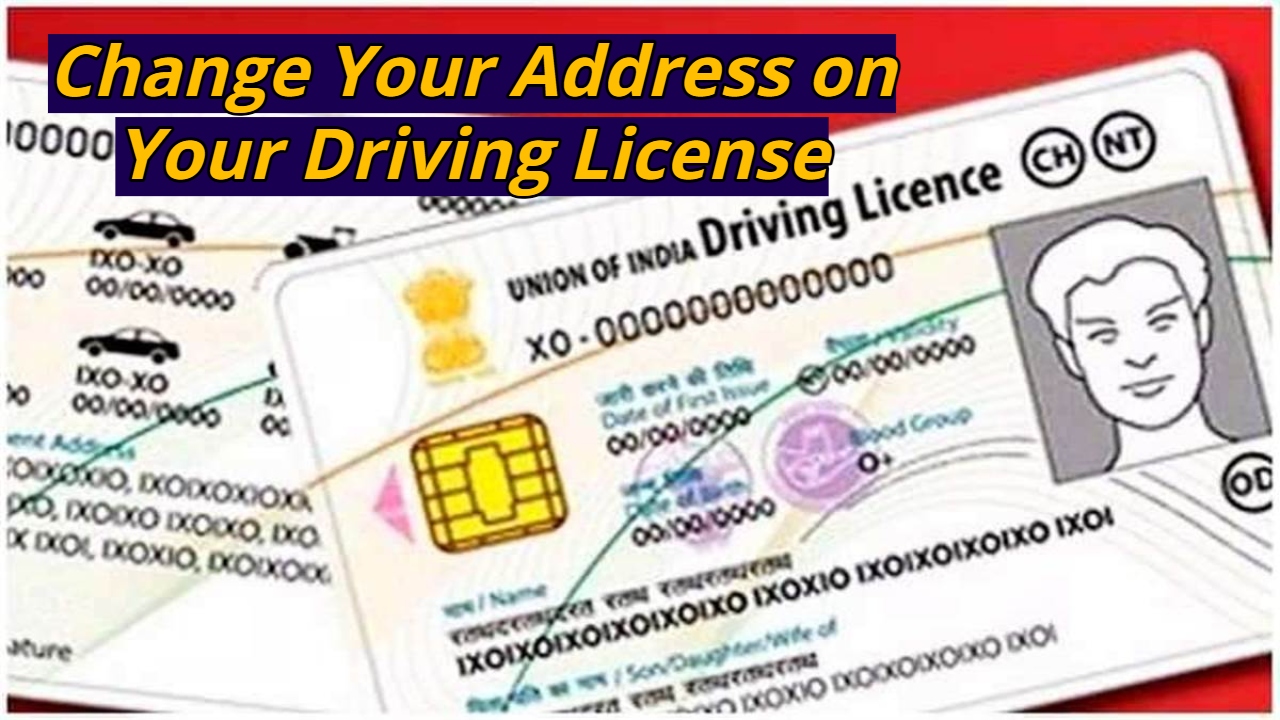
Change Your Address on Your Driving License: If you drive a two-wheeler, four-wheeler, or electric vehicle in India, you need a driving license. It not only contains your name, address, and date of birth, but also indicates which vehicles you are eligible to drive. If you have recently moved to a new home in a new city, and your address has changed, you will need to enter your new address on your driver’s license. This address change process can be done in two ways: offline and online. We will explain how you can change your address. We will also explain what documents are required for an online address change.
Read Here: 2025 Best Phones! Samsung, Motorola & More Mobile Below Rs 15000 to Buy!
Required Documents for Changing the Address on a Driving License
To change the address on a driving license, you must first apply in Form 33. Along with this, the vehicle’s RC, new address proof, valid insurance certificate, pollution certificate, smart card fee, no objection certificate from the financier, PAN card, chassis and engine pencil print, owner’s signature, etc., are required.
How to Change Address on Driving License Online
- To do this, first visit the official Parivahan Sarathi website at https://sarathi.parivahan.gov.in.
- Select your current status from the drop-down menu on the home page.
- You will then see a page with several services. Click on the “Application for Change of Address” option.
- Instructions for submitting the application form will appear. After reading the instructions, click on the “Continue” option.
- Now, enter the date of birth and the captcha code on the driving license.
- After this, click on the “Get DL Details” button.
Read Here: Royal Enfield Guerrilla 450 Review – Roadster Styling with New 450cc Engine Explained
- Your personal details will appear on the next page, and you will need to confirm by selecting the “Yes” option.
- Now, select the category of your driving license and enter the PIN code of your current address to auto-pick it up at the corresponding RTO.
- After this, click on Continue.
- Your edit page will open. Here, enter your new address and captcha code and click on Continue.
- After this, upload the required documents and make the payment, then generate the receipt.