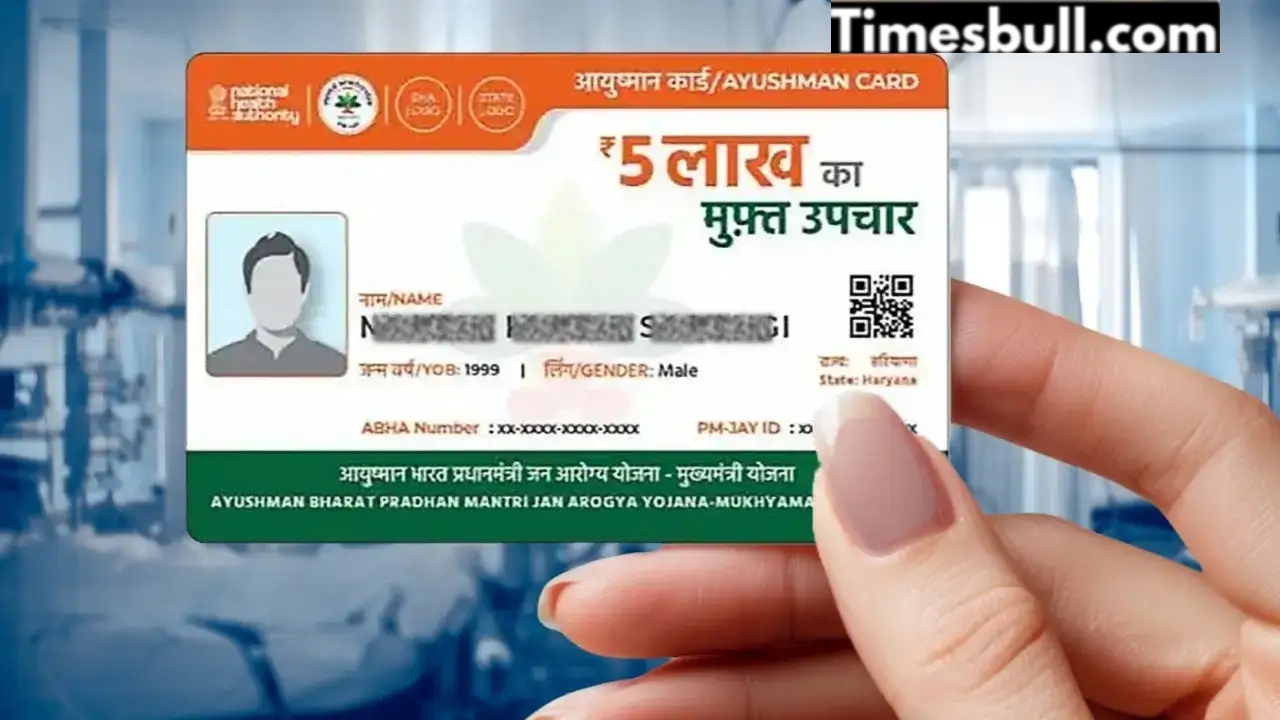
Ayushman Bharat Scheme: The Indian government launched the Ayushman Bharat scheme as a government insurance scheme. Its purpose was to provide free treatment to low-income people. For this, you need to get a card made. You can also get this card made from the comfort of your home. You can make this card yourself by following a few simple steps on your mobile phone. For this, you just need to install an app on your phone and everything will be done. Treatment facilities through the Ayushman card are available in every hospital, whether private or government, so that everyone can benefit from it.
The Ayushman Card is a health card issued by the Government of India in 2018 under the Ayushman Bharat Pradhan Mantri Jan Arogya Yojana (AAYUSHMAN BHARAT) scheme. This card provides free treatment up to ₹5 lakh annually at thousands of government and private hospitals across the country. Its unique feature is that it requires no agent or long queues. The government has made this process completely digital. This card has been introduced for economically disadvantaged individuals so that they can receive treatment for serious illnesses without any financial burden.
How to get Ayushman Card online
1. First, install the Ayushman app on your phone. This is a government-issued app.
2. Then you have to select the language of your choice.
3. After this, after clicking on login, you will have to click on Beneficiary.
4. After this you will have to fill captcha and mobile number.
5. The Search for Nemeficiary page will open. Here, you will need to select PM-JAY as the scheme.
6. After this you will have to select your state and district and by entering your Aadhar number you will be able to login to the app.
7. In the app, you’ll see the Ayushman cards of your household members. Those who don’t have an Ayushman card will see “Authenticate” written next to their name.
8. Tap the member’s name next to the “Authenticate” icon. You’ll need to enter their Aadhaar number and receive an OTP. After entering the OTP, a photo of the member will be clicked.
9. Next, you’ll need to enter the member’s mobile number and their relationship to you. After completing e-KYC, you’ll need to submit the form.
10. After all the information is verified in a week, you can also download that member’s card from this app.
These diseases are treated with Ayushman card
Under the Ayushman Bharat scheme, many serious illnesses can be treated free of charge. These include heart disease, cancer, neurological diseases, kidney and urinary problems, liver and stomach diseases, respiratory problems, and bone and joint problems.