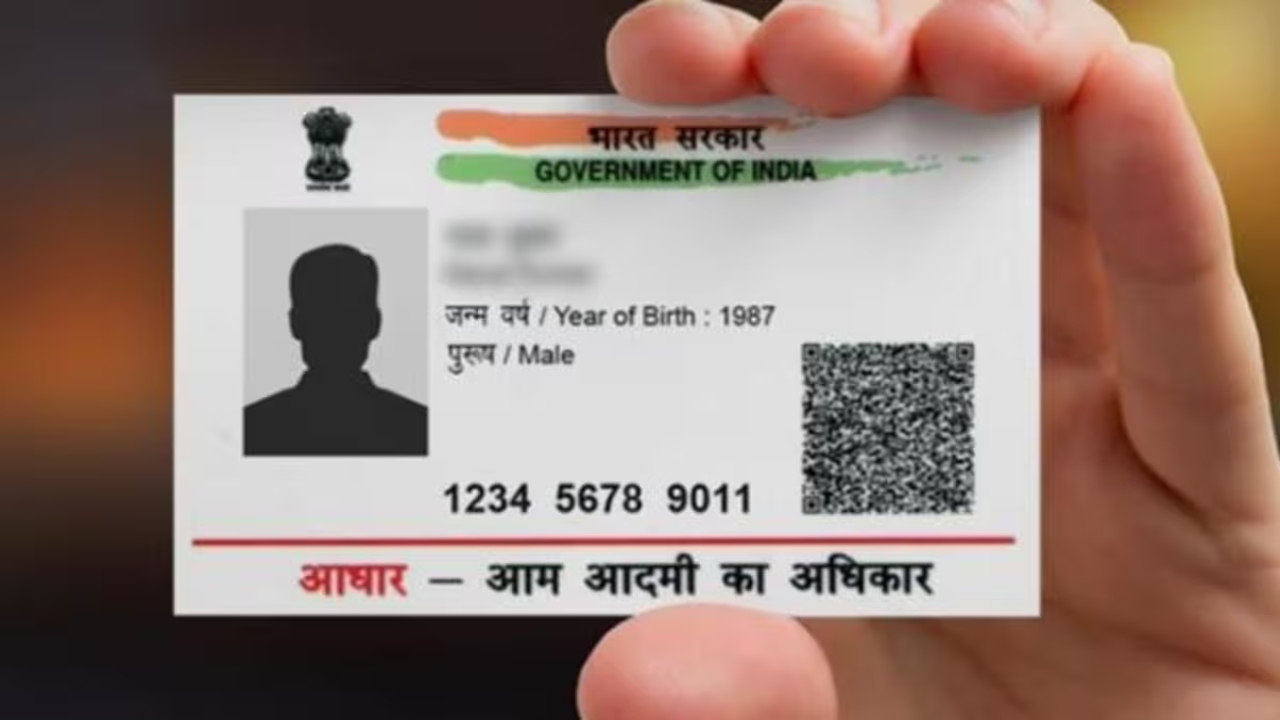
Aadhaar Card Download: Big news for new Aadhaar Card holders. In today’s digital age, Aadhaar card has become a vital identification document for every citizen. Everyone, from children to the elderly, must have this document. However, the process of downloading Aadhaar and updating information can often seem lengthy and complicated. Now, UIDAI has made it even easier. Users can download their Aadhaar card and Masked Aadhaar within minutes via WhatsApp.
Masked Aadhaar hides your first eight digits for security and privacy, reducing the risk of identity theft. This feature not only saves time but also strengthens digital security. Let’s learn the easy way to download Aadhaar via WhatsApp.
How to download Aadhaar card through WhatsApp?
Save the number 91-9013151515 in your phone as My Gov Helpdesk.
Send “Hi” or “Namaste” via WhatsApp to this number.
After this select the option of DigiLocker.
Confirm DigiLocker account or create a new account.
Enter your 12 digit Aadhaar number.
Send the OTP received on your mobile to WhatsApp chat.
After OTP verification, select Aadhaar card from the document list in DigiLocker.
After this your Aadhar card will be available on WhatsApp in PDF form.
Limit for changes in Aadhaar card
There are certain limitations on changing Aadhaar card details as per UIDAI rules:
Name – The name can be changed only twice in the Aadhaar card.
Address – Address can be changed any number of times, there is no limit.
Date of Birth – Can be changed only once.
Mobile number – Can be changed any number of times.
All these updates can be done on the UIDAI website.
Masked Aadhaar download process
Visit the official website of UIDAI uidai.gov.in.
Select “Download Aadhaar” in the “My Aadhaar” tab.
Enter 12 digit Aadhaar number, Enrollment ID or Virtual ID.
Check the box “Do you want a masked Aadhaar?”
Receive OTP on your registered mobile number.
Download PDF by verifying OTP.
The PDF is password protected – open by entering the first four letters of your name and year of birth (YYYY).