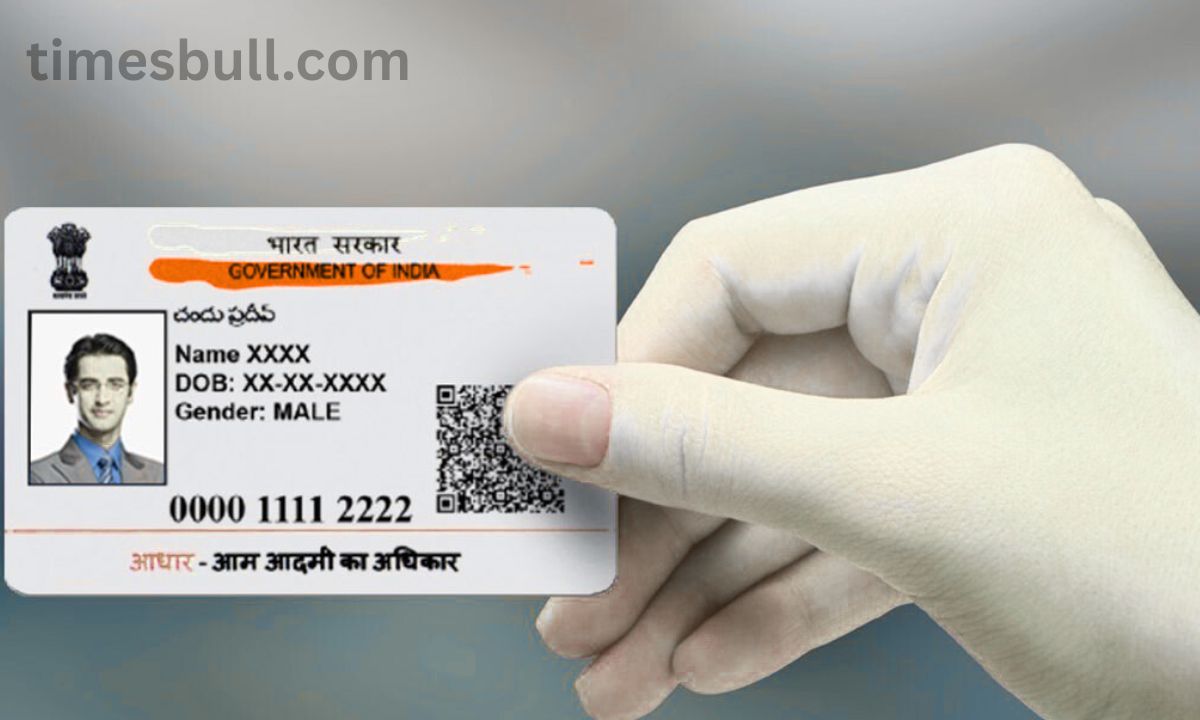
Aadhaar card: Do not panic if you cannot remember your enrollment ID or Aadhaar number. You only need to make one phone call or submit an online request to get your Aadhaar number using UIDAI’s new service.
How can your Aadhaar card number be recovered?
The Aadhaar card is becoming one of the most important documents for everyone in India. From buying a smartphone SIM card to opening a bank account, it is necessary everywhere. But at times we lose or forget our enrollment ID (EID) or Aadhaar number. UIDAI has made the Aadhaar recovery process quite simple, so there is no need to freak out.
Get your enrollment ID or Aadhaar number back
With a single phone call, SMS, or online request, you may now quickly locate your misplaced Aadhaar number or enrollment ID. For people who have misplaced their Aadhaar card or cannot locate it among their old documents, this UIDAI feature is incredibly helpful. Let us go over the entire, detailed method for getting your enrollment ID or Aadhaar number back.
What is the value of the Aadhaar card number?
The Aadhaar card has evolved into your digital identity and is no longer merely an identity card. Government apps, subsidies, banking, tax returns, and SIM cards are just a few of the various uses for it. As a result, numerous tasks may be interrupted if you forget it or forget the number. But this is no longer an issue due to UIDAI’s recently constructed Aadhaar Recovery Center.
How to Use UIDAI Helpline 1947 to Obtain an Aadhaar Number
A toll-free hotline number 1947 has been set up by UIDAI for the benefit of its citizens. You can call this number to obtain information about your Aadhaar.
How to Obtain an Aadhaar Number in Full
Using the registered mobile number, dial 1947. Select a language (English, Hindi, or another). The “Aadhaar Services” or “Aadhaar Status” options should be selected. Decide to talk with an agent. To prove your identity, enter details like your name, date of birth, or PIN. The agent will guide you through creating your Enrollment ID (EID) or Aadhaar Number (UID) following a successful verification. This service is available from any network and is available around-the-clock.
How to Retrieve an EID or Aadhaar Number Online
By going to the UIDAI website, you can also get your enrollment ID or Aadhaar number. Here’s how: Launch the webpage: Open the “My Aadhaar” link at https://uidai.gov.in and select Retrieve Lost or Forgotten UID/EID. One of the two options you must choose is “Aadhaar Number” or “Enrollment ID.” Next, type your name, email address, or registered mobile number. After inputting the captcha code, select “Send OTP.” Your mobile device will receive an OTP. After entering it, select “Verify OTP.” Your Aadhaar number or EID will be texted to your mobile device after the verification process is finished.
How to Use SMS to Retrieve Your Aadhaar Number
You can also retrieve your EID or Aadhaar number by SMS if you do not have internet connection. To accomplish this, use your registered mobile phone to send a message to the UIDAI server in the following format: UID GETUID or UID GETEID format Forward this message to 1947. Your enrollment ID, also known as Aadhaar, will soon be sent to your mobile device.
Aadhaar app (mAadhaar) is another way to recover
The mAadhaar app from UIDAI is a really helpful tool. By logging in, you can retrieve your UID or EID if you have already registered with the app. Select the “Retrieve UID/EID” option in the app and your number will be displayed after OTP verification.
Vishal raj

Related Stories
 Gadgets
 Gadgets
 Gadgets
 Gadgets
 Gadgets
 Gadgets
 Gadgets
 Gadgets
 Gadgets
 Gadgets