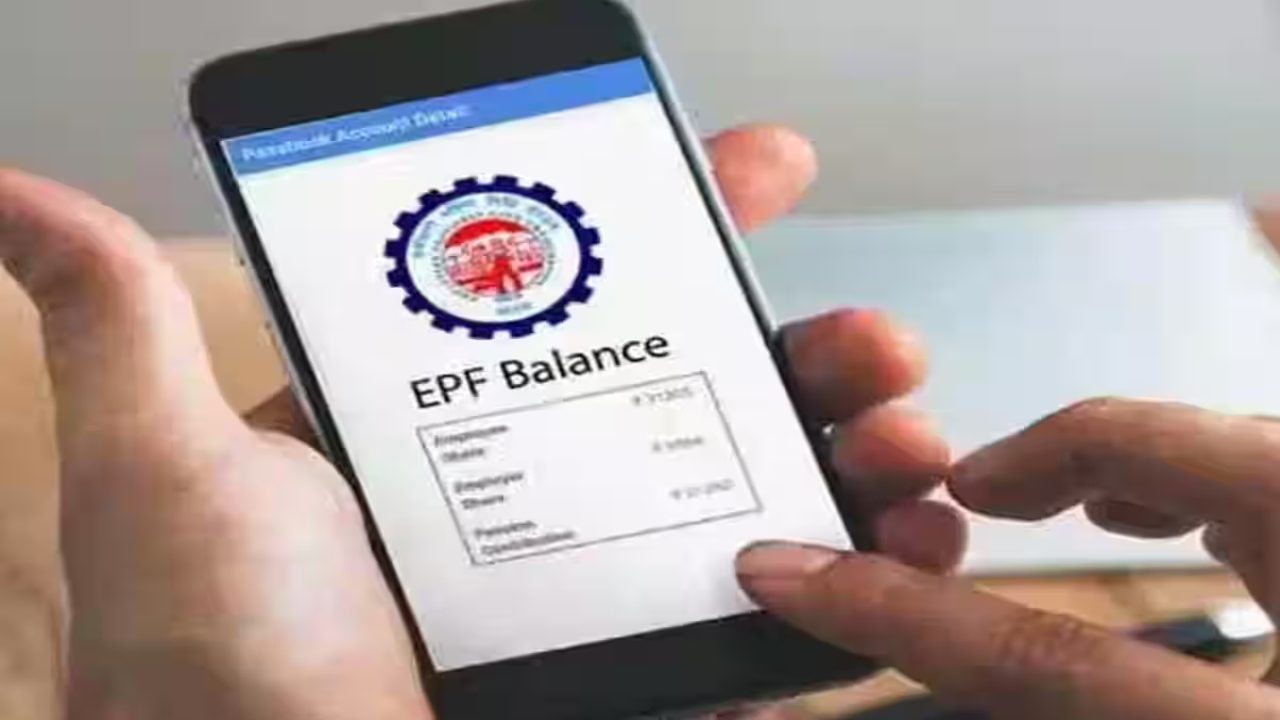
PF Balance Check– PF i.e. Provisional Fund Scheme has been created by the government for the employees. For your information, let us tell you that some amount is deducted from the salary of every employee as PF and it keeps getting deposited in the PF account. Just as you want to get information about the money deposited in your bank account, it is also important for you to know how much money is in your PF account. Today we will tell you how to check PF balance through Digilocker app. Let’s know the complete details.
The money deducted from the employee’s salary goes into the PF account. This account and facility is managed by EPFO. However, the PF balance can also be checked on the website of EPFO (DigiLocker Employees’ Provident Fund Organisation). However, the website is down many times.
There are many ways to check the balance of PF account. You can also visit the EPFO website to see how much PF has been deposited so far. Apart from this, you can also check the passbook through phone number or SMS.
Not only this, you can also check the balance of your PF account on the UMANG app . Also, you can easily check the amount of money that is stuck in your PF account in the Digilocker app.
These facilities are available on Digilocker
These facilities are available on Digilocker
Recently, EPFO has announced that members can now view their PF related documents and check their balance directly through the DigiLocker app on Android smartphones.
Through this update, users will be able to view and download important EPFO documents like UAN Card, Pension Payment Order (PPO) and Scheme Certificate through DigiLocker.
Follow these tips
To check your PF balance from Digilocker, you will first have to download Digilocker on your phone.
Then log in or create a new account.
Now link EPFO through Aadhar card and sync your EPFO account by following the steps appearing on the screen.
After this, you will be able to access your passbook, UAN card and PPO by going to the EPFO section of the app.
Now you can see your new PF balance and transaction details in the app.
Related Stories


 Business