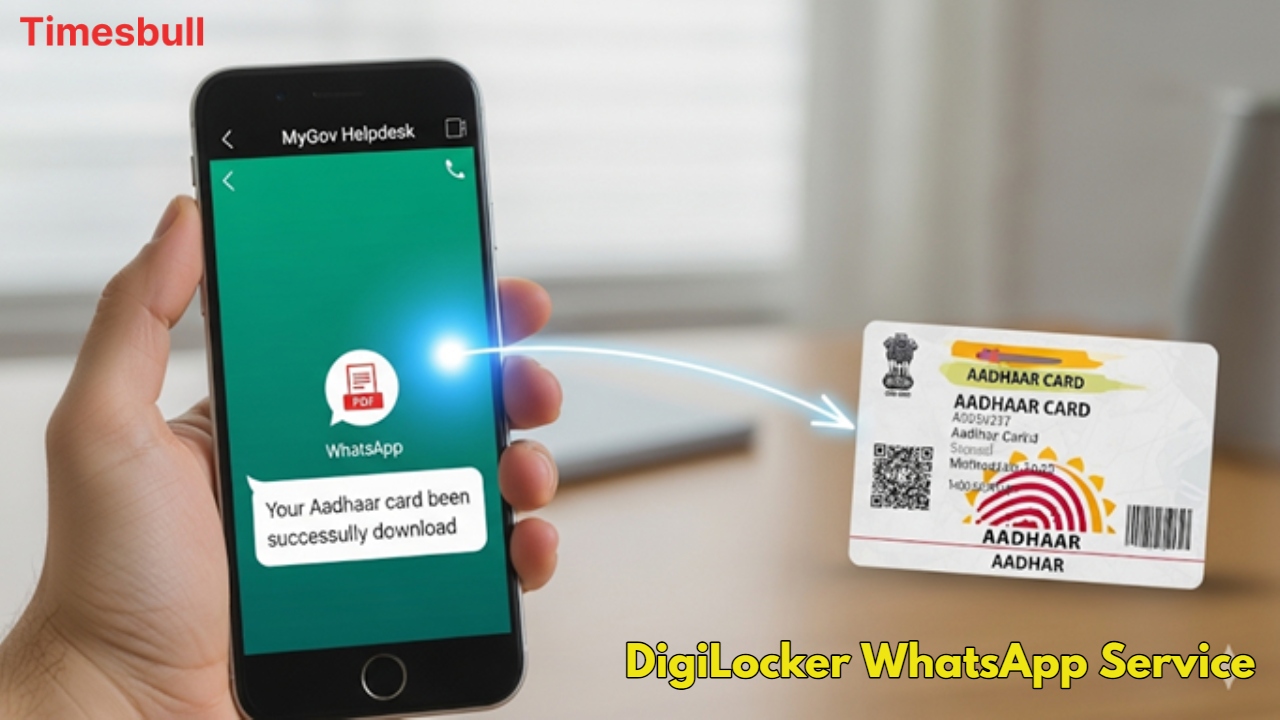
Aadhaar card is the most important identity and address proof for every Indian citizen today. It is needed everywhere, from banks to government schemes, mobile SIMs, school admission, and travel. Many times, we are out of the home or traveling and suddenly need an Aadhaar card. In such a situation, there is no need to panic, because now you can easily download your Aadhaar card directly on WhatsApp.
What is the way to download Aadhaar from WhatsApp

To download an Aadhaar card from WhatsApp, you first have to save the number +91-9013151515 in your phone. This number belongs to MyGov Helpdesk, which is a government chatbot that provides this facility. After saving the number, you have to go to WhatsApp chat and write ‘Hi’ and send it.
A DigiLocker account is necessary
As soon as you send ‘Hi’, the chatbot will give you many options. You have to select ‘DigiLocker Services’ from there so that you can proceed with the process of downloading the Aadhaar card. It is important to note that you must have a DigiLocker account to download Aadhaar from WhatsApp. If you do not already have an account, you will have to create a new account by visiting the DigiLocker website or mobile app.
Verify with OTP
After selecting DigiLocker Services, the chatbot will ask you for your 12-digit Aadhaar number. You have to type and send your Aadhaar number. Soon after, an OTP (One Time Password) will come to your registered mobile number. You have to complete the verification by typing the OTP in the chat. This process ensures your security and prevents any kind of fraud.
Your Aadhaar card in a few seconds
After the verification is complete, the chatbot will show you a list of all the documents saved in DigiLocker. You have to select ‘Aadhaar’ from this list. In a few seconds, your Aadhaar card will be available in WhatsApp chat in PDF format. In this way, you can easily access your Aadhaar card anytime and anywhere. This method is another very simple option apart from the UIDAI website or the M-Aadhaar app.