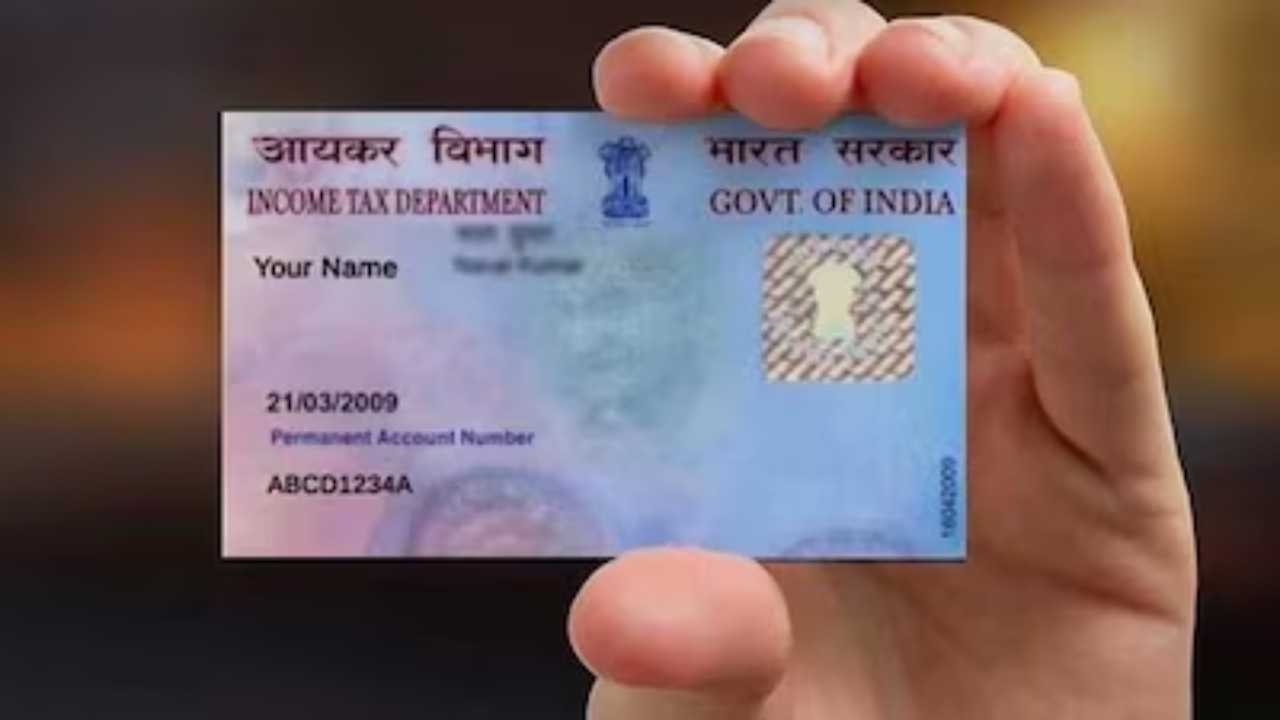
Nowadays, every small and big money matter is linked to government records. Whether you get a salary, do freelance work, or make online payments, your bank account and tax records are connected. This is why it is very important to link your PAN card with your bank account.
If you do not link it, you may face problems in getting an income tax refund, making online payments, or doing bank transactions. Without linking, your money and banking work can get delayed.
Why is it necessary to link PAN with bank account?
The Central Board of Direct Taxes (CBDT) has made it mandatory to link every savings account with a PAN number. When you do this, your income tax refund comes directly into your bank account. If your account is not linked with PAN, the bank can stop some services. Transfer and debit may be blocked because of incomplete KYC. Since December 2016, such accounts have faced restrictions.
Easy steps to link PAN with bank account
- Linking PAN card with a bank account is very simple. Just follow these steps:
- Check how many bank accounts are in your name.
- Log in to your bank’s internet banking site or mobile app.
- Go to the dashboard and open the “Services” or “Service Request” section.
- Select the option “Link PAN” or “Update PAN.”
- Enter your details – PAN number, date of birth, and registered email ID.
- Double-check the details before submitting.
- After submission, the bank will link your account with PAN within 7 working days.
Remember: If you have more than one bank account, you must link PAN with each account separately.
Final Note
If you want smooth transactions and quick refunds, link your PAN card with your bank account as soon as possible. Once linked, your banking and tax work will continue without any problem.