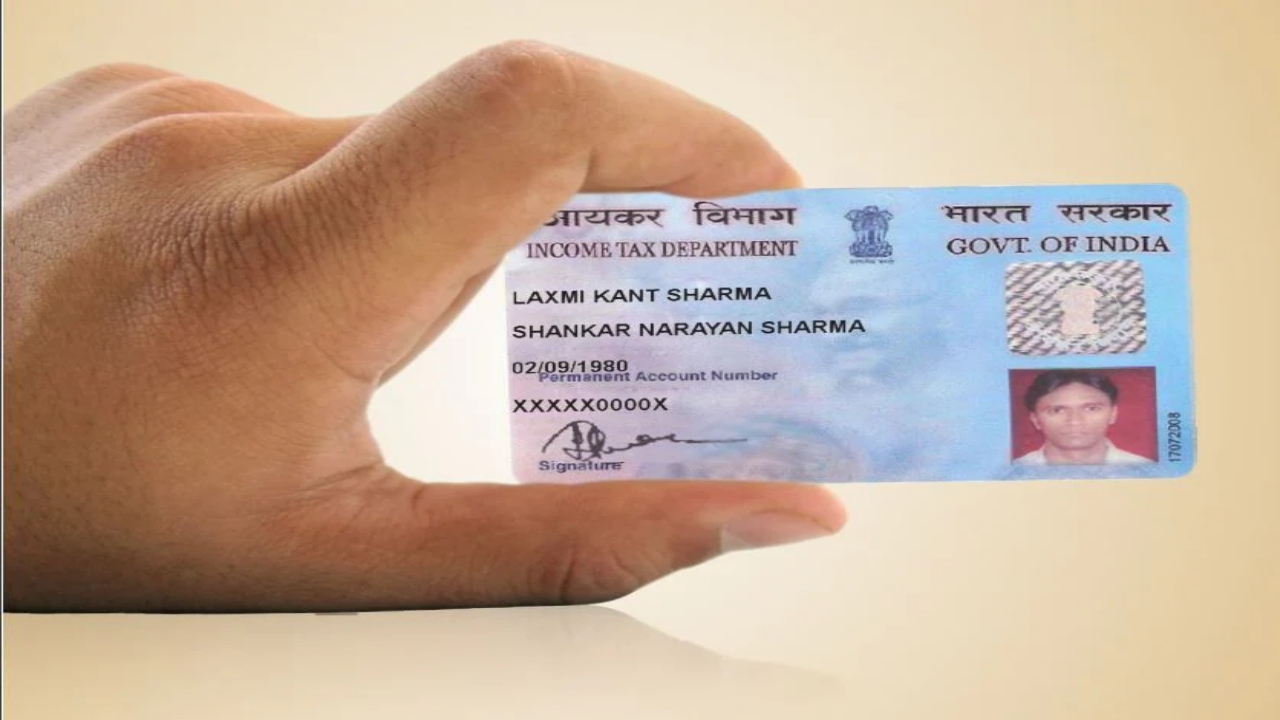
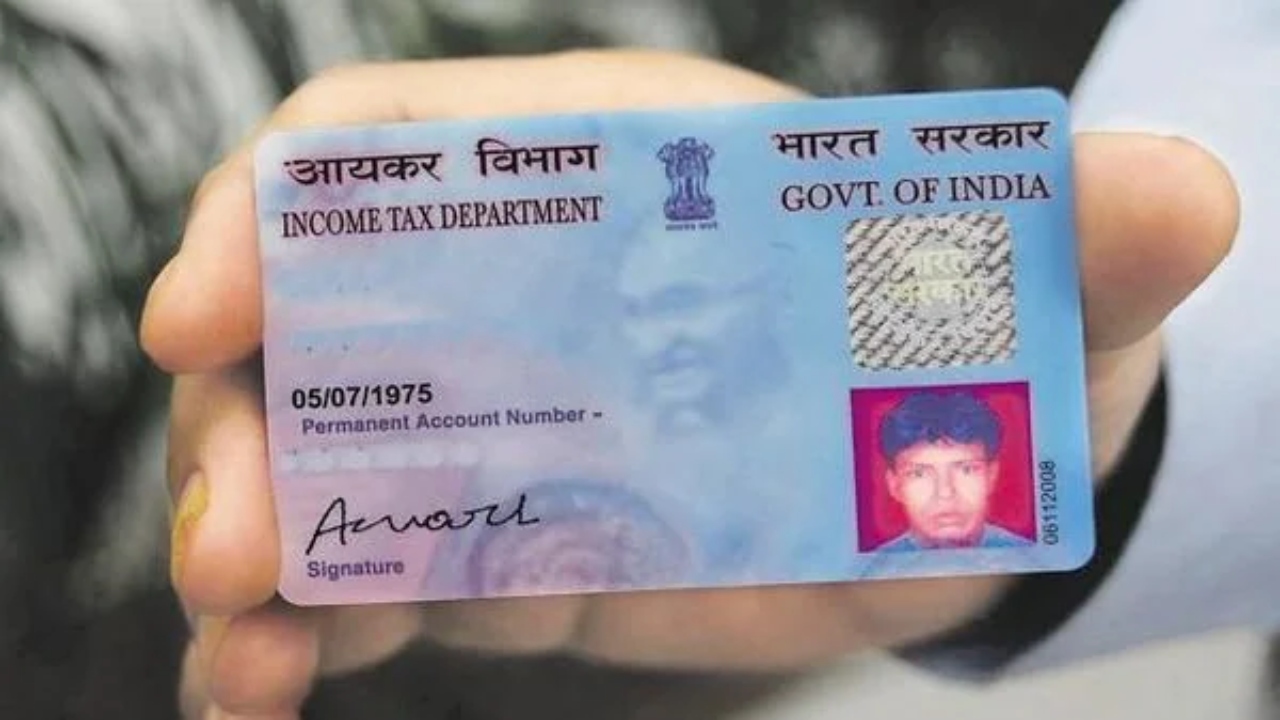
Pan Card Update: PAN card is a very important document for any Indian citizen. Without it, it becomes difficult to do any financial work. Along with this, a PAN card is also required to pay tax. A PAN card is issued by the Income Tax Department. A PAN card has a 10-digit alphanumeric number. A PAN card is needed in many financial activities like opening a bank account, filing income tax returns, transacting large amounts, or buying and selling property.
In such a situation, if your PAN card is made or you are going to get it made, then keep one thing in mind, let us tell you, if the name, date of birth, or any other information is wrongly entered on your PAN card, then it can create problems for you. The best thing is that now you do not need to wander anywhere to get the PAN card corrected. You can do this work from your mobile, sitting at home, and there is a government app for this, named Umang App.
Read Here: Buy Top 3 best phones for under ₹15000 with images will look DSLR-quality
Correct PAN card with the UMANG app
Let us tell you that the UMANG app is an official app designed by the Government of India, in which many services of the central and state governments are available in one place. With the help of this app, you can get a new PAN card. Along with this, you can also correct the existing PAN card.
Know the login process in the Umang app
First of all, open the UMANG app on your mobile.
If this app is not on the phone, then download it from the Google Play Store or the Apple App Store.
After installing the app, log in with your mobile number.
Read Here: HPBOSE Supplementary Result Released Soon! How to Check Class 10th 12th Score via Mobile
Know the process of correction
- First of all, after opening the app, click on the Services tab given below.
- After this, select the All Services option appearing at the top of the screen.
- Now, a list of all services will come in front of you.
- After this, select the My PAN option from it.
- When the new page opens, all the services related to PAN will be visible.
- Scroll down and go to the Correction/Change in PAN Card (CSF) section.
- After this, you will get two options named eSign/Physical. Choose the option as per your convenience.
- Now click on the Proceed button.
- On the next screen, you will have to fill in your PAN number and personal information (such as name, father’s name, date of birth, etc.).
- Now upload all the required documents.
- After this, pay the prescribed fee for correction.
- After completion of the process and verification, a new PAN card will be sent to your address.
Related Stories


 Business