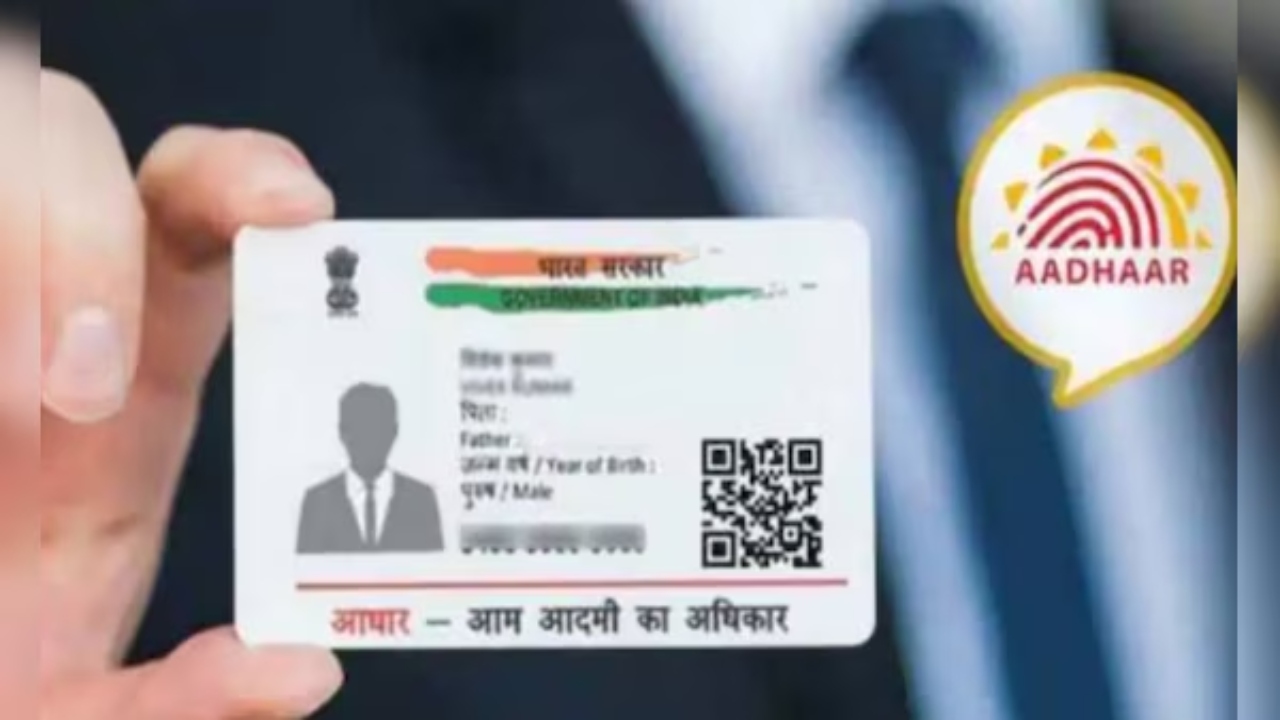
Aadhaar card: At present, every person must have an Aadhaar card, a PAN card, a voter ID, and a driving license as necessary documents. All these documents are required for everything, whether to buy a SIM or to apply for government schemes, or to show identity proof. In such a situation, if you suddenly forget any of these documents at home, then it becomes difficult to do any work. In such a situation, you do not need to panic. Now you can easily download all these documents online. In this article, let us know the easy way to download these documents.
Read Here: Big GST Reform: Govt Proposes Two-Slab Structure of 5% & 18% – Know Impact on You
How to download an Aadhaar card
- First of all, go to the official website of UIDAI: https://uidai.gov.in
- Go to the “My Aadhaar” section and click on Download Aadhaar.
- Select Aadhaar Number in the “I Have” option and enter your Aadhaar number.
- If you want a masked Aadhaar (in which some numbers are hidden), then choose that option.
- Enter the captcha code and click on “Send OTP”.
- Enter the OTP received on the registered mobile.
- As soon as you click on “Verify & Download”, the Aadhaar card will be downloaded in PDF.
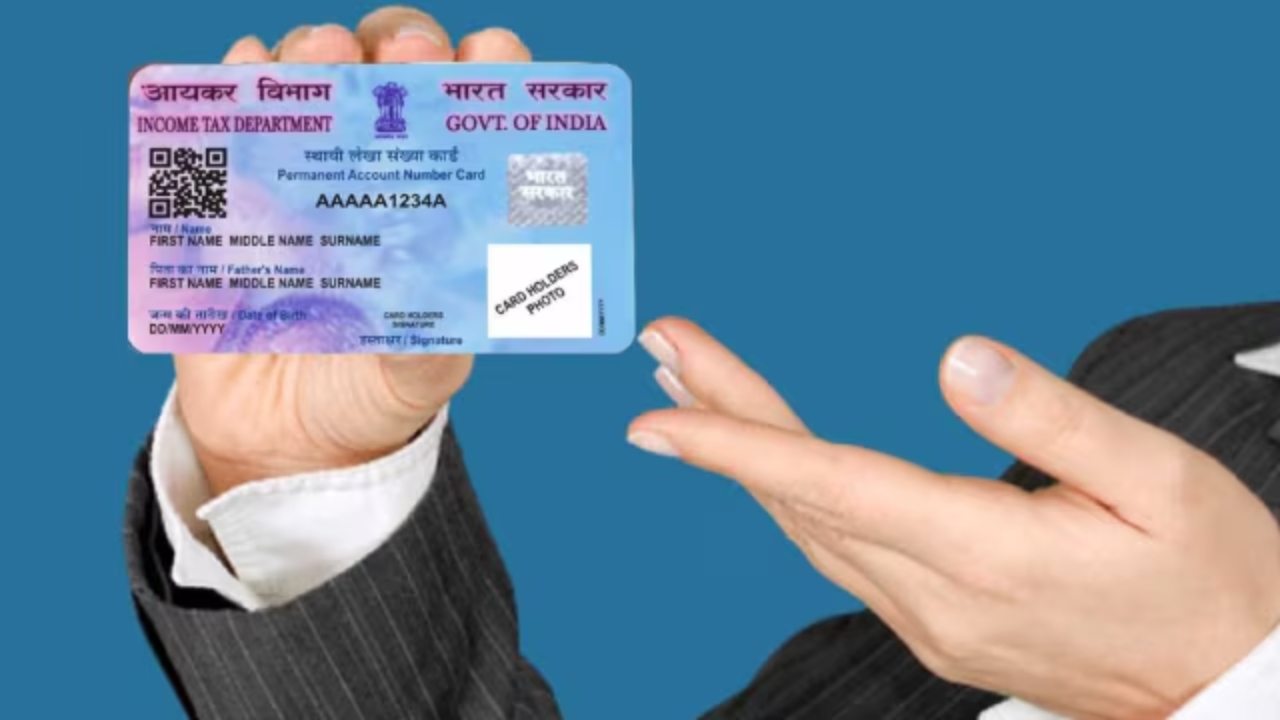
How to download the e-PAN card
- First, open the Income Tax website: https://www.incometax.gov.in
- Click on Instant E-PAN in the “Our Services” section.
- If you have taken e-PAN earlier, then go to Check Status/Download e-PAN; otherwise, choose Get New e-PAN.
- Enter the Aadhaar number and proceed.
- An OTP will come to the registered mobile number. Enter it.
- Your information will appear on the screen, check it, and fill in the email address.
- Your e-PAN will be sent to your email in a short while.
Read Here: Budget friendly bike! Now get great mileage with Hero Honda Passion for just ₹ 36,500
How to download the Voter ID card
- Go to the official website https://voters.eci.gov.in.
- Click on Form 6 for a new voter card.
- Fill in your basic details like name, age, and gender.
- Provide details of two people who can verify your identity.
- Upload required documents like proof of identity and address.
- You will receive an application number on your mobile/email once the process is complete.
- Once the application is verified, you can download the voter ID by clicking on the download button.
How to download a driver’s license
- Visit the website: https://sarathi.parivahan.gov.in
- Then select your state.
- Select the Print Driving Licence option in the “Driving Licence” menu.
- In the new window, enter the application number and date of birth.
- Now your driving license will be downloaded in PDF format.