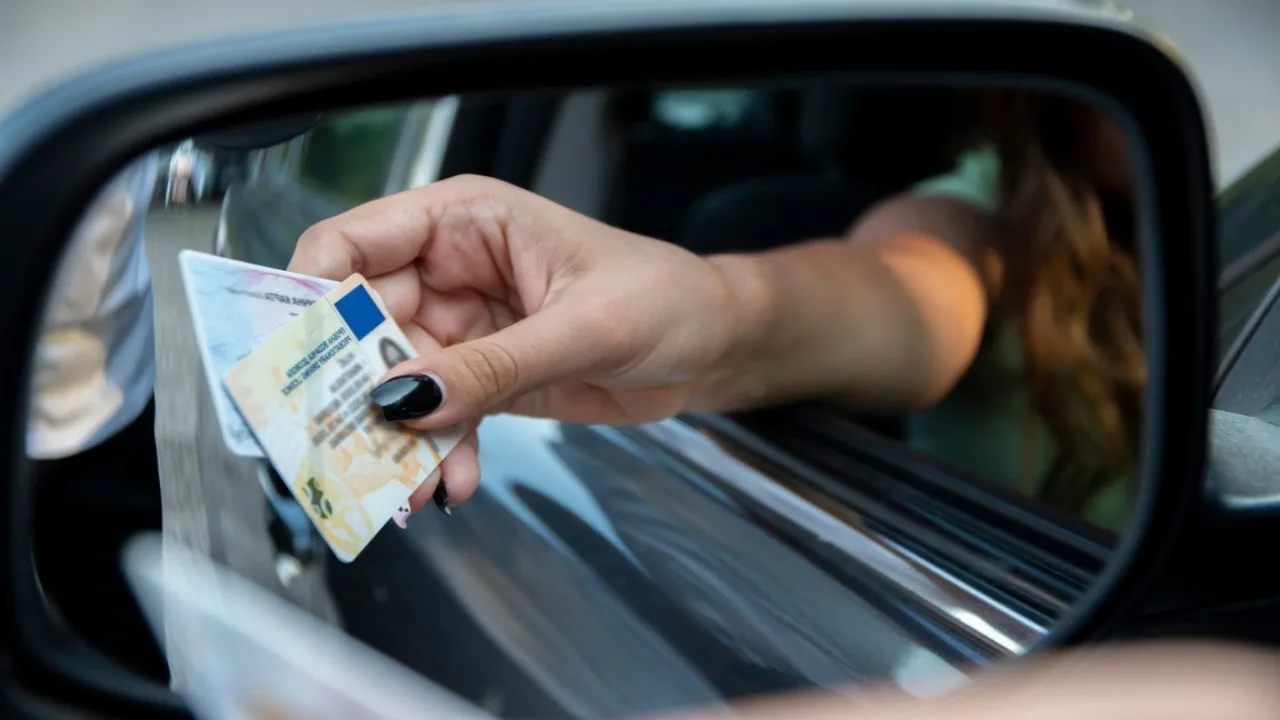
Driving License- There are many rules in India under the Motor Vehicles Act for driving on the roads. Many documents are also necessary for driving. Driving license is also very important among them. If you have learned to drive and now it is the turn to get the license, then it would be better to be prepared beforehand. Half the people get stuck because they do not have the right information about the documents and process.
First of all, know what documents are required for this. Where to upload them and how to apply. What is the process from filling the online application to passing the test? If you know everything, then the work can be done even without an agent. Let us tell you the process of applying for a driving license.
Which documents will be required?
You must have some documents for a driving license. Without these, your application may be rejected. Talking about these documents, first of all, any one of the documents like Aadhar card, passport or PAN card is required for identification. Then voter ID, electricity bill or ration card will be accepted as address proof. 10th mark sheet or birth certificate will be accepted for date of birth proof.
Apart from this, a scanned copy of passport size photo and signature is also required. And if the learner’s license is already available, then a copy of that is also required. While uploading the documents, keep in mind that the format and size should be as per the guidelines. If any document is missing, the application may get rejected. Therefore, make full preparations in advance.
How to get a driving license online
- To get an online learning license, visit the website sarathi.parivahan.gov.in/sarathiservice/stateSelection.do .
- After this select your state from the drop down list.
- Now click on the option to apply for Learners License from the list.
- After this you will have to select the option of giving the test from home.
- Here check the box for applicants without a driving license issued in the country and click on the submit button.
- After submitting Aadhaar details and mobile number, click on Generate OTP button.
- Enter OTP here and verify all details.
- After this, check the box to accept the terms and conditions and click on Authentication.
- After this, click on the option of mode of payment of license fee.
Related Stories
 Business

 Business