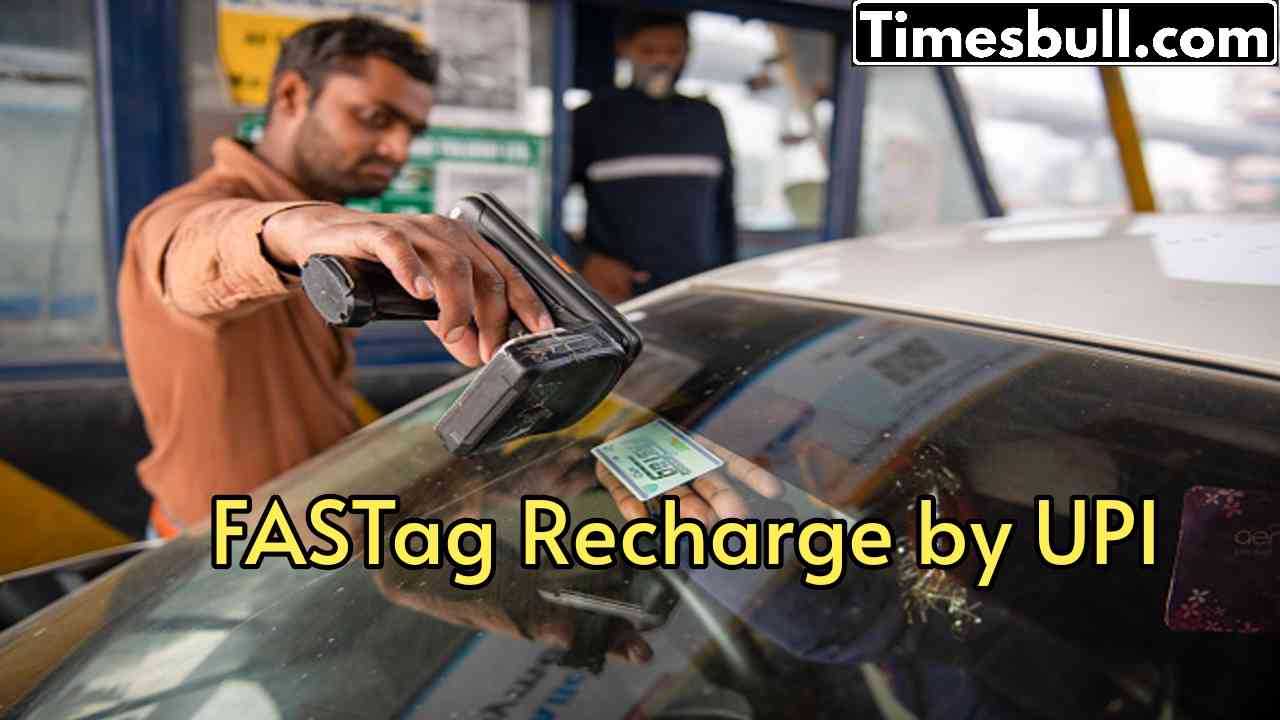
FASTag Recharge – If your FASTag balance is over and you are troubled by long queues at toll plazas, then there is no need to panic. Recharging it is also very easy. Do you know that with the help of any UPI app (like Google Pay, PhonePe or Paytm) you can recharge your FASTag in a jiffy?
FASTag recharge process through UPI app
First of all open any UPI app (like PhonePe, Google Pay or BHIM) on your phone.
Select Pay or Send Money or Transfer Money option.
After this you will see the option to enter UPI ID.
Now enter netc.vehiclenumber@bankupihandle in place of UPI ID. Suppose you have ICICI Bank Fastag and the vehicle number is DL01AB1234, then you have to enter netc.DL01AB1234@icici in place of UPI ID.
Enter the amount you want to recharge.
Confirm payment by entering UPI PIN.
Your FASTag has been recharged. The recharge amount will be added to the FASTag as soon as the money is deducted from your bank.
Also keep these things in mind
Enter the name of the bank to which your FASTag is linked in the UPI ID. The UPI handles of some major banks are given here.
State Bank of India – @sbi
ICICI Bank – @icici
HDFC Bank – @hdfcbank
Axis Bank- @axisbank
Punjab National Bank- @pnb
Kotak Mahindra Bank – @kotak
Bank of Baroda- @barodampay
What is FASTag?
FASTag is a small RFID sticker that is pasted on the windshield of your car. This eliminates the need to stop at the toll plaza, as the toll amount is automatically deducted from your linked account. But for this, it is necessary to have sufficient balance in FASTag.