The Employees’ Provident Fund Organization (EPFO) has started updating the accounts of its members. This is good news for crores of PF account holders. The 8.25 percent interest announced by the government can now be credited to all PF accounts soon. According to reports, PF interest at the rate of 8.25 percent for the financial year 2024-25 has been credited to more than 96.51 percent of EPFO accounts ahead of schedule. Interest is also likely to be credited to the remaining accounts within this week.
Union Labor Minister Mansukh Mandaviya said that EPFO will credit interest to all accounts for 2024-25 by this week. So far, out of 33.56 crore member accounts of 13.88 lakh institutions, interest has been credited to 32.39 crore accounts. So, what are you waiting for? Let’s find out how you can check your PF balance in minutes and even withdraw money online if needed.
5 easy ways to check your PF balance
Getting information about the interest and balance of your EPF account has now become easier than ever. You can check your balance instantly by choosing any of these 5 ways:
Through the UMANG app
The UMANG app (Unified Mobile Application for New-age Governance) is an important initiative of the government that provides many government services in one place.
First of all, download the UMANG app on your smartphone.
Log in using your mobile number and OTP (One Time Password).
Go to the ‘EPFO’ section and click on ‘View Passbook’.
Enter your Universal Account Number (UAN) and OTP, then check your balance.
On the EPFO website
The official website of EPFO is a straightforward and reliable way to check your PF balance.
Visit epfindia.gov.in.
Click on the ‘Services’ tab, then select ‘For Employees’ and ‘Member Passbook’.
Log in with your UAN and password and view your passbook.
Through a missed call
This method is the easiest for those who do not have a smartphone or internet access.
Give a missed call to 9966044425 from your registered mobile number.
You will immediately receive your PF balance information through an SMS.
Through SMS
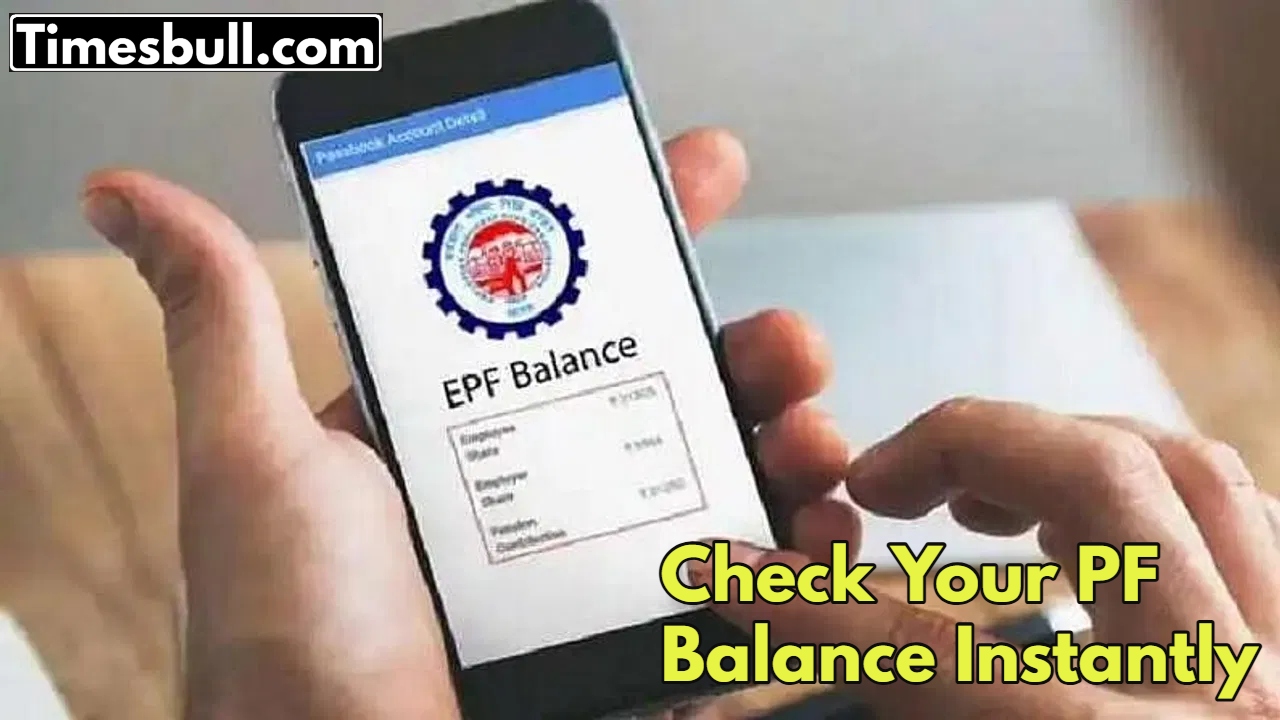
This is also a simple method that does not require a smartphone.
Send EPFOHO UAN ENG to 7738299899 from your registered mobile number.
You can also replace ENG with the language code of your choice, such as HIN (Hindi), TAM (Tamil), etc.
Through DigiLocker
DigiLocker is a digital locker service provided by the Government of India, where you can keep your important documents safe.
Link your UAN to DigiLocker.
Check your balance and statement on the app or website.
How to withdraw PF money online
Withdrawing PF money online when needed has now become very easy. You can do this by using either of these two methods:

From the UAN Portal
The UAN portal is the most common and straightforward way to withdraw your PF.
Visit the UAN portal.
Log in with your UAN and password. Go to ‘Online Services’ and select ‘Claim (Form-31, 19, 10C)’.
Select the reason for the claim, enter your bank details, and submit by entering the Aadhaar OTP.
From the UMANG App
You can also apply for PF withdrawal from the UMANG app.
Go to the ‘EPFO’ section in the UMANG app and select ‘Raise Claim’.
Fill the form and complete the Aadhaar eKYC process.
Important tips to avoid delay in PF withdrawal
To avoid any delay in the PF withdrawal process, it is very important to keep some things in mind:
Make sure that your UAN is active and your KYC (Know Your Customer) details (such as bank account, Aadhaar, PAN) are fully updated and verified.
Your Aadhaar and PAN must be linked to your UAN.
Always use your registered mobile number to receive OTP.