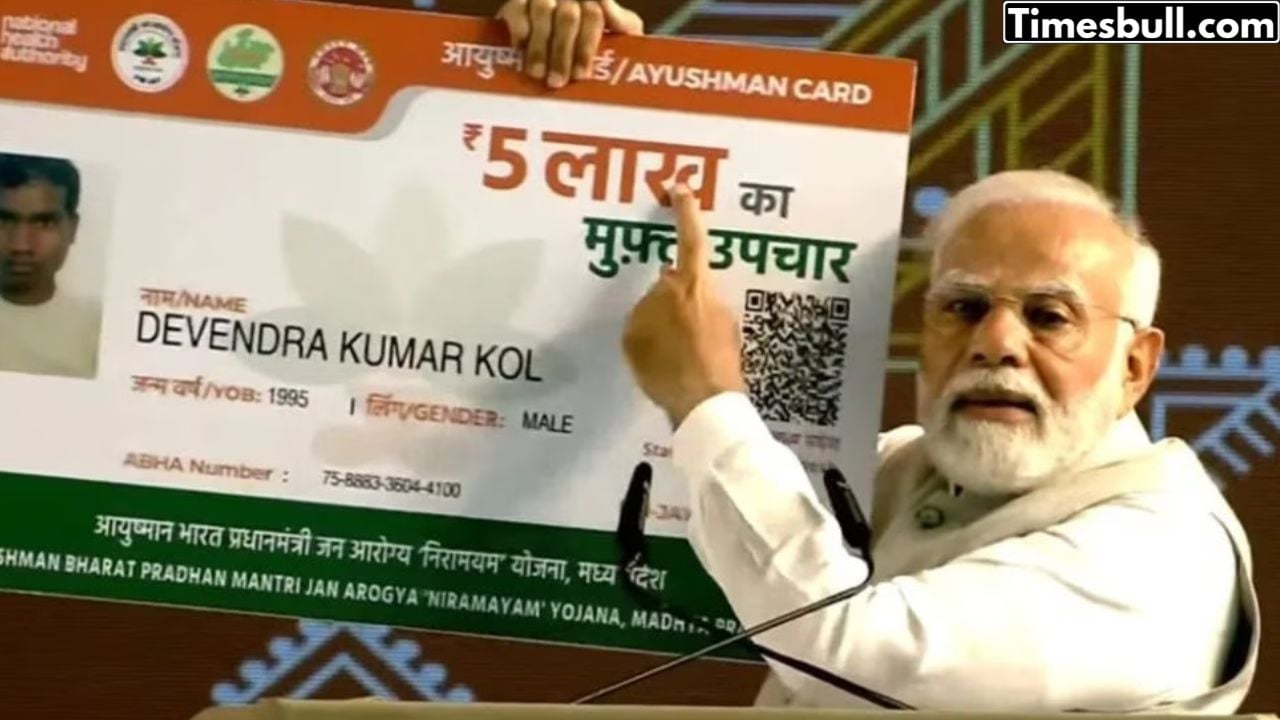
The cost of healthcare in India is constantly increasing. It affects the people the most who are dependent on private hospitals or are undergoing treatment for any serious/chronic disease. To provide relief to such people, the Government of India has launched the Ayushman Bharat Pradhan Mantri Jan Arogya Yojana (PM-JAY). This scheme provides cashless and paperless hospital coverage of up to ₹ 5 lakh per year to every family. Ayushman Bharat Pradhan Mantri Jan Arogya Yojana is a big step towards achieving Universal Health Coverage (UHC), which ensures that every citizen can get the necessary medical services without facing any financial difficulties.
How this scheme helps
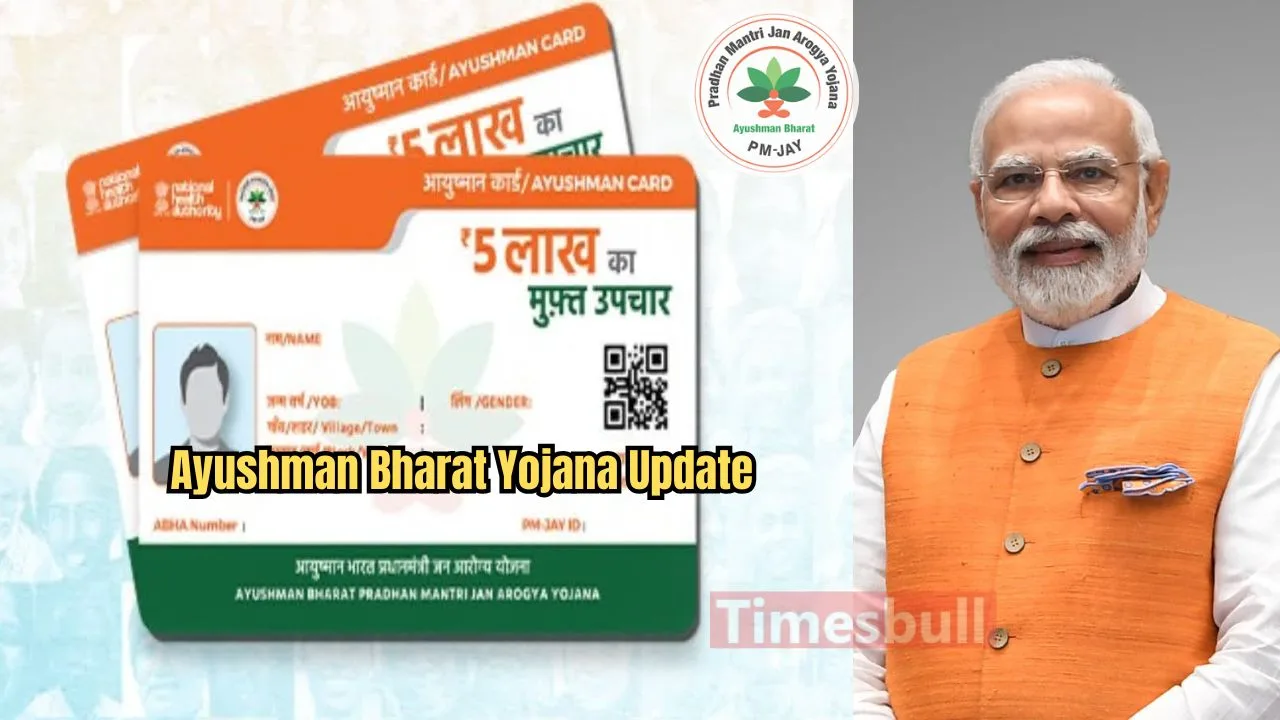
Under the Pradhan Mantri Jan Arogya Yojana (PMJAY), an Ayushman Bharat Card is issued, which is linked to the Ayushman Bharat Health Account (ABHA). This arrangement has made it possible to get quality healthcare services and easy access to benefits under the scheme. This means that once the card is made, you can get treatment up to Rs 5 lakh without paying any money in the listed hospitals, thereby reducing the burden of accidental medical expenses.
Documents required for Ayushman Card
You will need some important documents while applying for Ayushman Card. Keeping these ready in advance will ensure the smooth completion of the process:
Aadhaar Card
Valid ID Proof
Residential Proof
Family Details
Income Certificate
Bank Account Details
Caste Certificate
How to apply for Ayushman Card
Applying for Ayushman Card is now easier than ever. Here is the complete process:
First, visit the official PMJAY website (pmjay.gov.in).
After reaching the homepage, click on the ‘Am I Eligible’ option in the top menu.
Enter your mobile number, OTP, and captcha code for verification.
Click on the ‘Login’ button and wait for the page to reload.
Choose the correct option from the State, District, and ‘Search by’ columns and enter the required information (like name, Aadhaar number, etc.).
Now click on the ‘Do e-KYC’ option.
Choose the ‘Aadhaar OTP’ option for authentication. Your Aadhaar number will be available. Click on ‘Verify’.
After entering the Aadhaar OTP and mobile OTP, you will see an e-KYC ID on your device. You will receive an e-KYC Completion Message.
After 15-20 minutes of e-KYC, log in to the PMJAY website again and select the ‘Download Card’ button.
You will be registered for Ayushman Bharat Yojana and will be able to download your card.