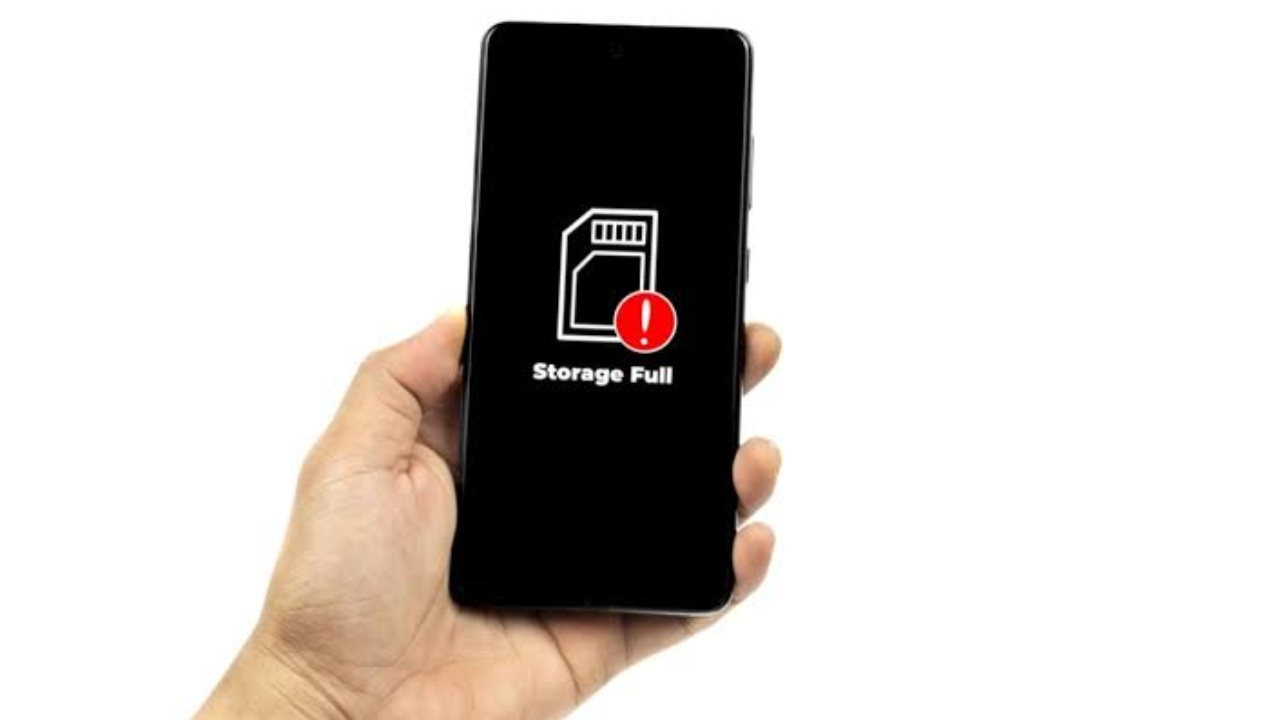
Phone Storage Full: Nowadays, many such smartphones have started coming in which expandable storage facilities are being provided. But those who have such smartphones in which there is a lack of storage and you are very upset, now you do not need to be tense. Because today we are going to solve this problem of yours.
If you are an iPhone or Android user and many times you have to delete apps, photos, or videos due to storage problems, then now you are not going to need to do this. Today we are going to tell you about some easy tips that can give relief to the memory of your smartphone.
Clean the cache Or App data
Whenever we download an app, it often stores more data. Which increases the pressure on the storage a little. In such a situation, first of all, you have to go to the settings of your Android phone. Then go to Storage and tap on Cached Data and clear the cache.
If you do not want to delete the apps, then iPhone users have to go to Settings and tap on the General option and go to iPhone Storage. Then you can free up the storage by choosing the option of “Offload Unused Apps.”
Photos and videos Storage
If you feel that your photo gallery is taking up more storage, then for this you have to go to the phone settings. Then go to General > [device] Storage and check the Photos section. After this, you have to check whether there is more than a gigabyte of storage.
If yes, then you should upload your photos and videos to cloud storage. Or you can also upload them to platforms like Google Photos. Which are great options for backup. Apart from this, you should completely clear the Recently Deleted folder.
Use lite apps or web version
Apps like social media have a greater impact on your phone’s memory. In such a situation, be it Facebook, Instagram, or Snapchat, these are heavy apps. Instead of which you should download their “lite” versions or use them through the browser. Lite apps take up less space and provide great performance and also don’t take up much storage.
Related Stories


 Gadgets



 Gadgets