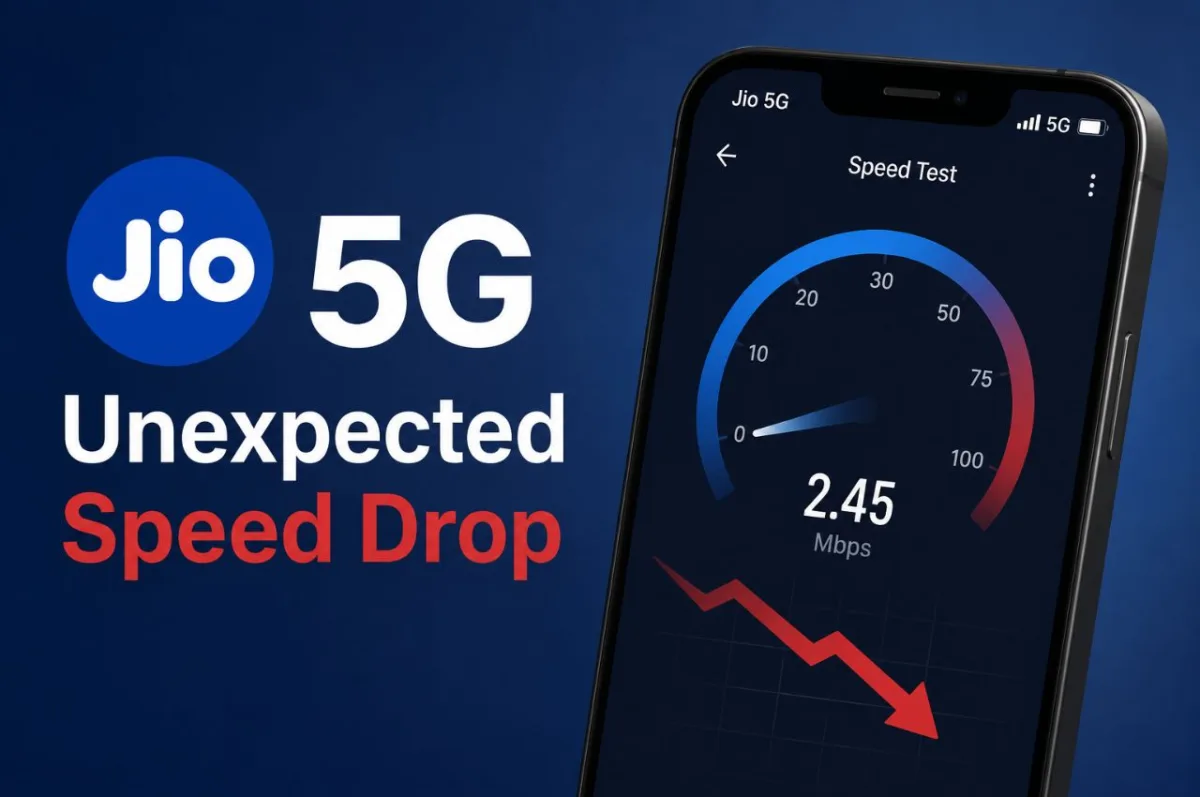
So, the initial excitement around blazing-fast, gigabit-speed 5G connectivity in India, kind of hit this huge roadblock. A lot of mobile subscribers on Reliance Jio networks are seeing serious performance drops, and the 5G data speeds are often going down to, like, single digit megabits per second. What felt like a revolutionary, super high-speed network at first, now seems stuck with structural bottlenecks, it almost looks like the early days of 3G and 4G deployments, honestly.
This whole thing has then turned into widespread frustration online, across social media, consumer complaint forums, and even community subreddits. A bunch of users are saying that even with full 5G reception bars showing on their phones, basic stuff like streaming high-definition video, sending WhatsApp media, or just opening normal web pages turns into, infinite buffering, packet drops, and really ugly latency spikes.
Why Your Jio 5G Speed Has Dropped
The main reason the slowdown happens is basically network crowding. When Jio first rolled out 5G, only a small number of people actually had 5G phones,so the early users kind of got empty data lanes, you know, plenty of space. But now, millions have switched to budget 5G smartphones. And since everyone is tying into the same network towers at the same time especially in the evening the overall available speed gets cut up among way too many devices.
There’s also the matter of which exact 5G signal your phone locks onto. Jio is using two common signal types for 5G. One is a faster, high speed style signal, it can feel really amazing in terms of performance but it cannot travel very far and it struggles to push through thick walls. The other is a low power signal that slips into homes easily and manages longer coverage, but the data rates are way lower. So, with all that crowding, your phone often ends up clinging to the slower one even when you don’t want it.
Finally, fixed home internet like JioAirFiber can put quite a lot of pressure on the same mobile towers. Since home users pull down big files, binge stream shows, and generally consume massive amounts of data, the towers tend to favor those stationary routers. After that, there’s less bandwidth left over for regular mobile users who are actually moving around in the area.
Easy Ways to Fix Slow Internet Speeds
If your 5G connection feels completely stuck , try switching Airplane Mode on for roughly thirty seconds then turning it back off. That kind of quick pause forces your phone to break the link with the crowded tower slot and go looking again for a fresher, cleaner connection. Also a plain restart of the phone can clear up those weird hidden software glitches that are quietly slowing your mobile data , it helps more than you’d think.
Sometimes, telling your device to lean on 4G LTE instead can be better , especially when the 5G signal is acting up. You can usually set this by opening your Settings app, tapping Mobile Networks, then finding Network Mode. After that choose the 4G/3G Auto option. This way your phone stops constantly chasing down a weak 5G signal.
Another option is to reset your internet route settings. Go into your SIM card options, find Access Point Names, then tap the reset choice , set it back to default. This reboots your internet setup information so your phone can communicate with the nearest cell tower much more smoothly.
Latest News
- Jio 5G Unexpected Speed Drop: Network Slowdowns Frustrate Users
- SIP Investment– Rs 10,000 Investment Created Rs 2 Crore Through this Magic, Know How

- Gold Price Weekly – Check 24K, 22K & 18K Metro City Gold Rates

- Weather Warning – Heavy to Heavy Rain Alert for 19 States Next 48 Hours, Full State-Wise Weather Forecast

- Maruti’s Premium Hatchback Set For Big Upgrade – New Baleno Spotted On Test

- LSG vs PBKS – Sachin Tendulkar Pens Emotional Note as Son Arjun Impresses on Lucknow Debut

- LSG vs PBKS Highlights: Shreyas Iyer 101 Keeps PBKS Playoff Hopes Alive

- SBI FD– How to Get Rs 1,00,000 Interest in Just 2 Years? Know Here

- Bank Holiday Alert: अगले सप्ताह कितने दिन बंद रहेंगे बैंक? जाने से पहले चेक करें लिस्ट

- PAN Card–From Banking to Property Deals, Major PAN rules changed