

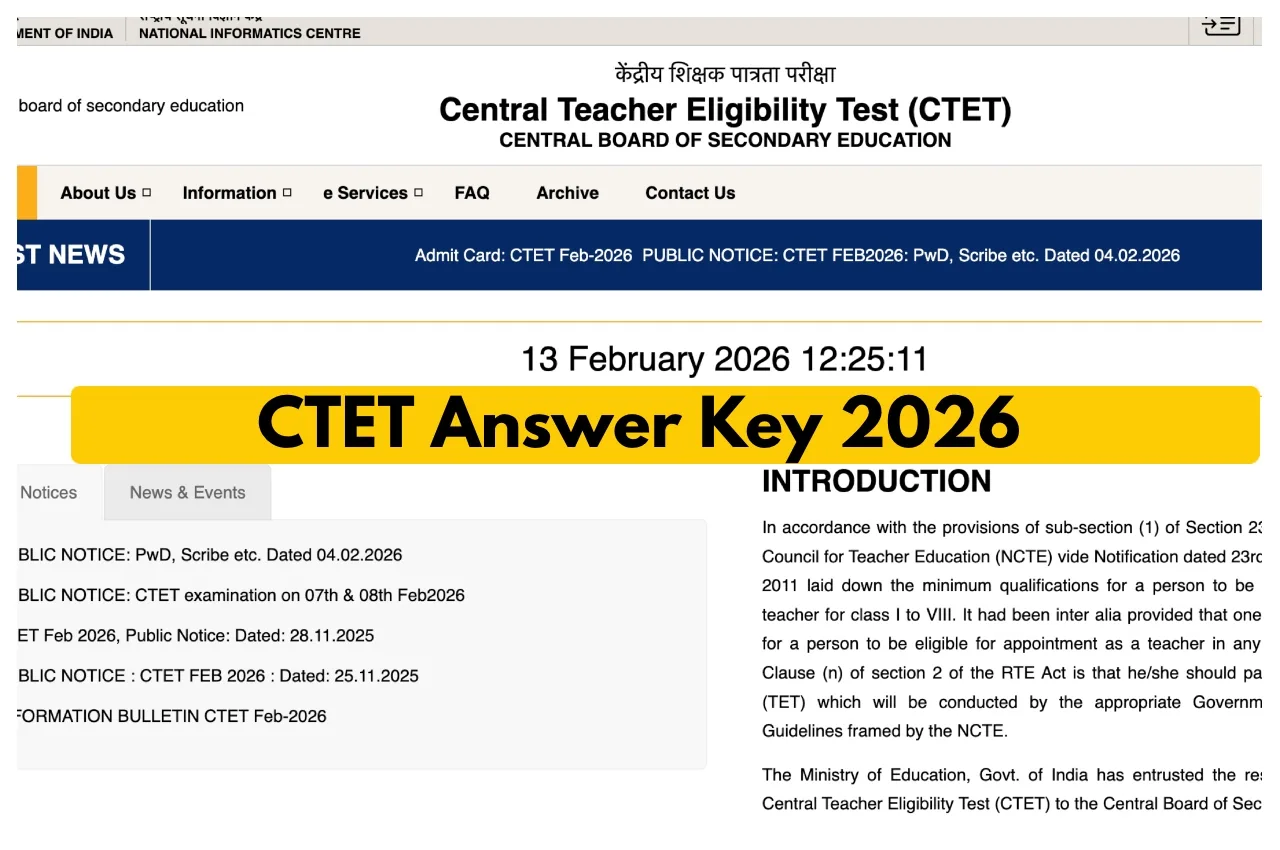
CTET Answer Key 2026 Out Soon: The Central Board of Secondary Education conducted the Central Teacher Eligibility Test (CTET) 2026 on February 7 and 8, 2026. Now that the exam has concluded, candidates are awaiting the answer key and their results. The result will be released on the official website. Once the answer key is released, candidates can compare their answers and estimate their potential scores. It is expected that the board will release the answer key on the official website within a few days of the exam. The CBSE first releases the provisional answer key, and the final answer key is released after all valid objections are reviewed.
When will the provisional answer key be released?
Candidates will be able to check their answers after the provisional answer key is released. It is expected that the board will release it within 23 days of the exam.
The answer key will be made available on the official website, ctet.nic.in. After which, candidates will be able to download the answer key by logging in with their roll number and registration details.
How to file objections?
After the provisional answer key is released, candidates will also have the opportunity to file objections. If there is any doubt about the answer to a question, they can do so within the stipulated time limit. A fee of ₹1, 000 per question will be required. Only objections submitted with the fee will be considered.
When will the final answer key and result be released?
After reviewing all objections, the board will release the final answer key. The result will be prepared based on the final answer key. The release date for the results and answer key has not yet been officially announced.
It should be noted that passing the CTET is mandatory for becoming a teacher in government and private schools. Lakhs of candidates appear for this exam every year.
CTET Answer Key 2026 Out Soon:- Steps to Download the Answer Key
Must visit the official website, ctet.nic.in
Click on the CTET Feb 2026 Key Challenge link under LATEST NEWS.
Enter your roll number and date of birth and click the Login button.
The answer key will open on your screen.
Compare your questions and answers.
Submit your objection by clicking on the answer you wish to object to.