

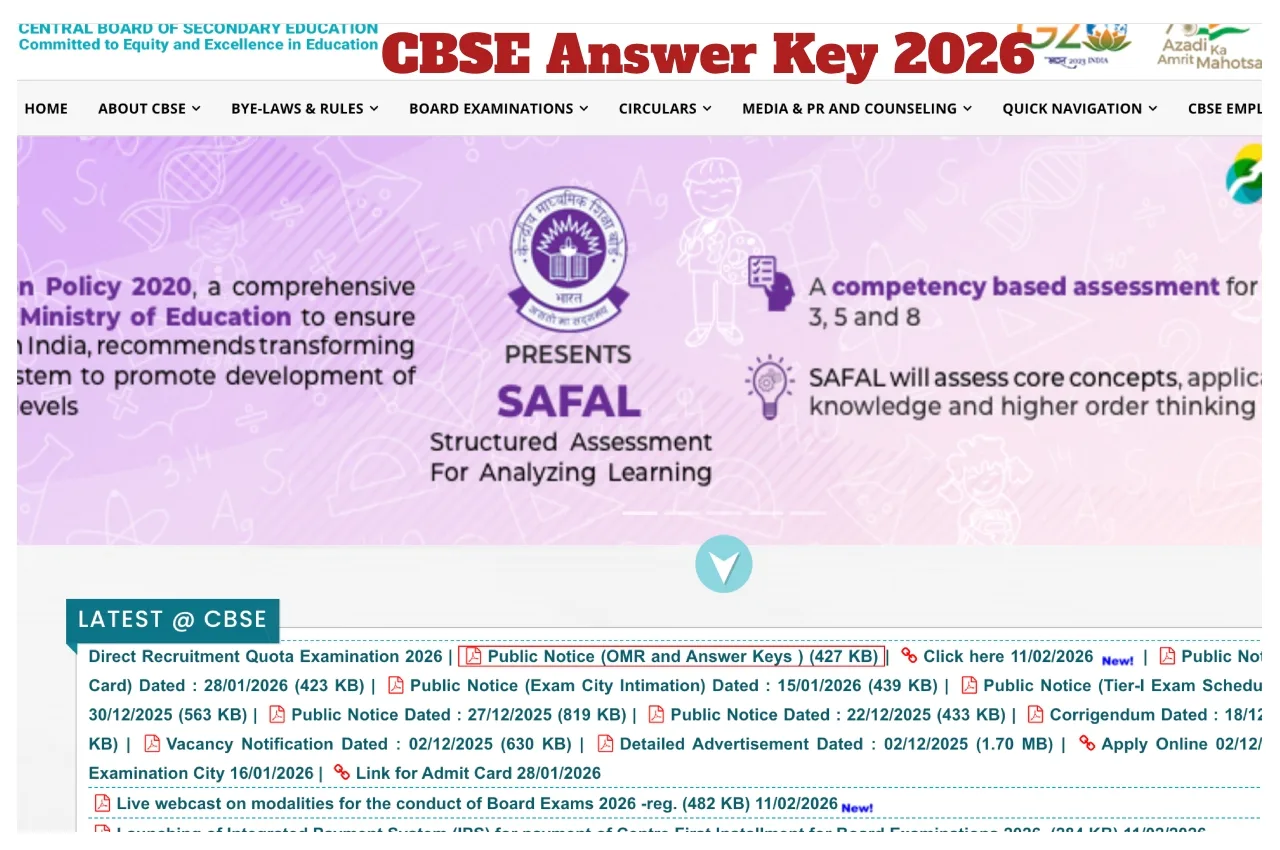
CBSE Answer Key 2026: The Central Board of Secondary Education has released the answer keys for the CBSE Group A, B,and C Tier 1 exams. Candidates can download the answer keys from the official website and submit objections. Candidates who appeared for the Tier 1 exam have been eagerly awaiting the answer keys; now their wait is over. Candidates can download the answer keys through the CBSE’s official website, www.cbse.gov.in. By downloading the answer keys, candidates can also check their expected scores. Dissatisfied candidates can also submit objections to the released answer keys. Candidates can submit objections until February 14. So, let’s learn how to download the CBSE Answer Key 2026 through the official website.
When were the CBSE Group A, B,and C exams held?
The CBSE Group A, B,and C Tier 1 exam was held from January 31 to February 1, 2026. The exam was conducted for 124 vacancies. After the provisional answer key is released, the final answer key and results will be released upon completion of the objection process.
When can objections be filed?
Candidates dissatisfied with the CBSE Tier 1 Group A, B,and C answer key can file objections on a per-question basis. Candidates will be charged a fee of ₹1, 000 per question for the objection process.
CBSE Answer Key 2026: How to download the CBSE Group A, B,and C Tier 1 exam answer key?
1. Candidates must visit the CBSE official website, www.cbse.gov.in
2. Click on the ‘Answer Key’ section on the official website’s homepage.
3. Click a link to the ‘CBSE Group A, B,C Tier 1 Answer Key’.
4. After clicking the link, a login page will open on your screen.
5. Candidates must enter their roll number, date of birth, and captcha code and submit.
6. The exam answer key will appear on your screen.
7. Now download the Answer key and take a printout for future reference.