

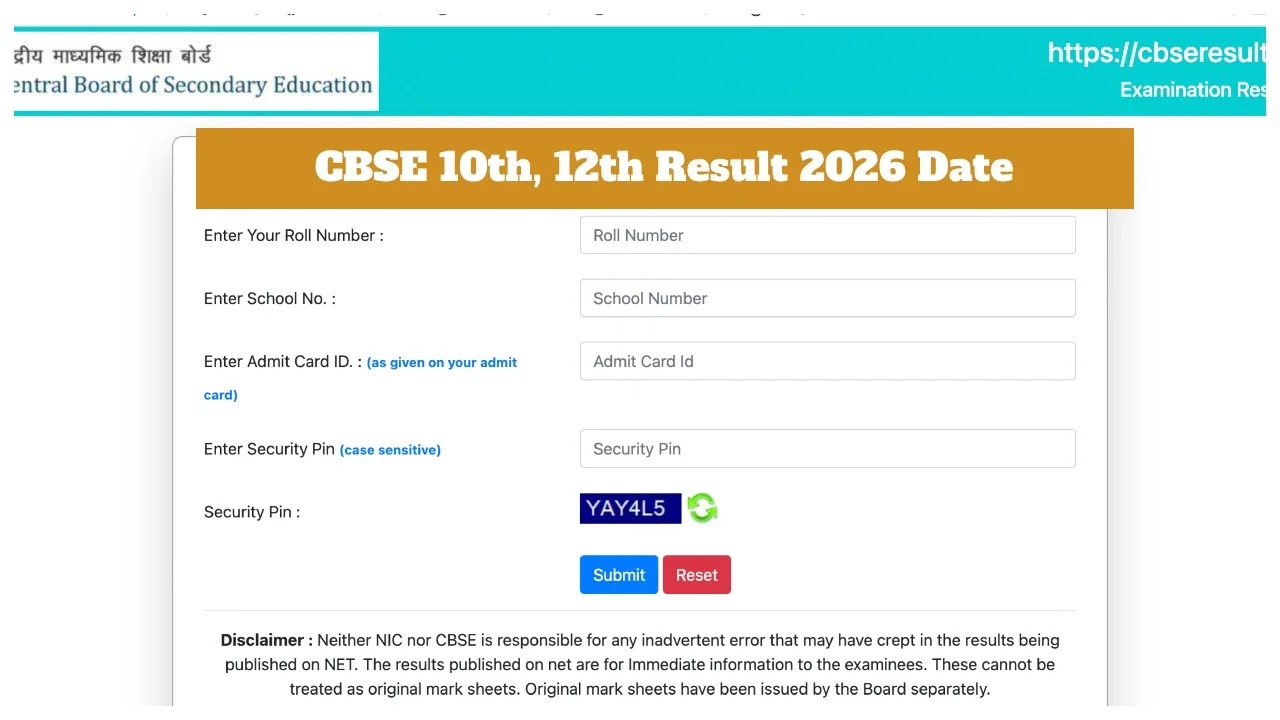
CBSE 10th, 12th Result 2026 Date: The Central Board of Secondary Education (CBSE) will very soon release the Class 10 and 12 Board examination results for 2026. Students of the CBSE Board are eagerly awaiting their results. According to media reports, the CBSE Board may release the Class 10 results after April 10. Currently, CBSE has not issued any official notification regarding the specific date and time for the release of the results.
In light of this, students are advised to remain vigilant against fake news. Several rumours regarding the CBSE 10th and 12th results for 2026 are also circulating on social media. On the other hand, the Class 10 examinations will be conducted twice this year. The second phase of the examinations is scheduled to be held in May.
When will the CBSE Results be Released?
According to the information received, the Board is currently evaluating the answer sheets. The Board will soon share details regarding the result date and time through its social media accounts. It is expected that the Board may declare the Class 12 results in the first or second week of May. Students are advised to rely solely on the official website and CBSE’s social media accounts for the latest updates.
Can Students Who Fail Retake the Exam?
After the CBSE releases the results for the main examinations, any students who are unsuccessful will be eligible to appear for the second phase of examinations. Students who wish to improve their scores will also be permitted to take the exam. However, students who have already passed will be allowed to appear for examinations in only three subjects (chosen from Science, Mathematics, Social Science, and Language subjects).
Where to Check CBSE 10th, 12th Results?
The CBSE Class 10 and 12 Board results will be published on the Board’s official website, cbse.gov.in. Additionally, scores can also be accessed via cbseresults.nic.in, results.cbse.nic.in, digilocker.gov.in, results.gov.in, and the UMANG app.
Websites to Check CBSE Board Results:
cbse.gov.in
cbseresults.nic.in
digilocker.gov.in
umang.gov.in
How to Check CBSE Class 10 and 12 Results on DigiLocker
Step 1: Visit the DigiLocker website at digilocker.gov.in, or download the DigiLocker app.
Step 2: Click the ‘Sign Up’ link on the website’s homepage.
Step 3: Enter your name, date of birth, category, a valid mobile number, email ID, Aadhaar number, and a 6-digit security PIN.
Step 4: After filling in all the required details, set a username.
Step 5: Once your account is created, click the ‘CBSE’ link.
Step 7: Click on the ‘CBSE X Result 2026’ or ‘CBSE XII Result 2026’ link.
Step 6: Enter your Roll Number and registered mobile number. Your result will appear on the screen.
Step 7: Check and download the result.
How to Check CBSE Class 10 Results 2026 via Website?
Step 1: Visit the official CBSE website at cbse.gov.in
Step 2: Click on the ‘CBSE Result’ link located on the website’s homepage.
Step 3: Log in by entering your CBSE Class 10 roll number, school code, and date of birth.
Step 4: Your CBSE marksheet will be displayed on your screen.
Step 5: Download the online marksheet for future reference.