

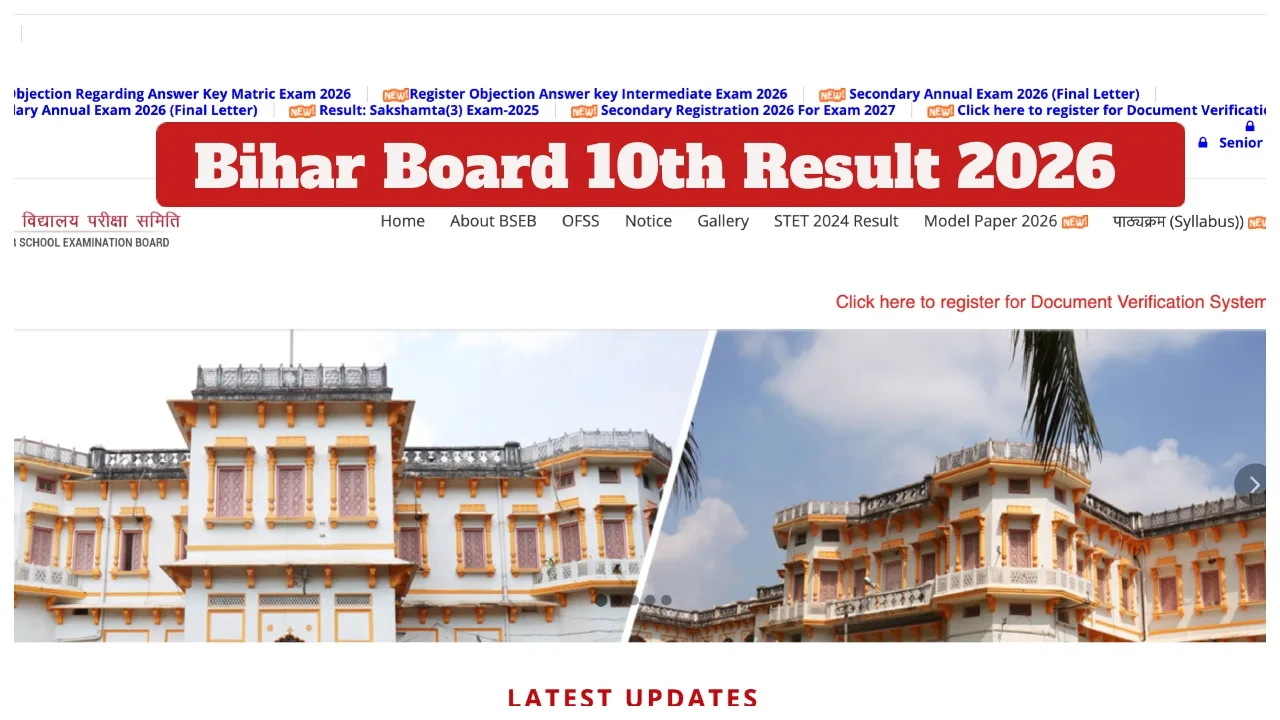
Bihar Board 10th Result 2026: The Bihar School Examination Board is expected to release the Class 10 results in the month of March. The Bihar Board conducted the Class 10 examinations for the year 2026 from February 17 to February 25. As soon as the examinations conclude, students eagerly await the announcement of their results. However, officials have not yet confirmed the exact date and time for the Bihar Board Class 10 Result 2026.
Nevertheless, it is anticipated that the results will be released by the last week of March. Candidates are advised to regularly visit the official BSEB website, biharboardonline.bihar.gov.in, for the latest updates. In the year 2025, the Class 10 results were released on March 29. The Bihar Board has also released the provisional answer key for the multiple-choice questions.
Bihar Board Result Official Website Links
matricbiharboard.com
biharboardonline.com
secondary.biharboardonline.com
biharboardonline.bihar.gov.in
How to Check the Bihar Board Class 10 Result 2026 Online?
The Class 10 Result 2026 will soon be announced on the official website of the Bihar School Examination Board. Once the results are released, students can check and download their scorecard via the website.
Step 1: Visit the official BSEB website at biharboardonline.bihar.gov.in.
Step 2: Click on the “BSEB Matric Result 2026” link located on the homepage of the website.
Step 3: Enter your Roll Number and Roll Code correctly, then click the submit button.
Step 4: Your Bihar Board Class 10 Result 2026 will appear on the screen.
Step 5: Download the scorecard/marksheet for future reference.
How to Check Bihar Board Class 10 Results 2026 via SMS?
1- First, open the messaging app (SMS) on your mobile phone.
2- Type a new message: (BIHAR10 ROLL-NUMBER)
3- Send this message to the number 56263.
4- You will receive your result via SMS soon.
How to Check the Class 10 Result 2026 via the UMANG App?
Open the UMANG app.
Sign in using your login credentials.
Select the “Education” section.
Now, Click on “Bihar Board”.
Select Class 10.
The result will appear on the screen.
Download the result and to take a printout for future use.
How to Check 10th Result 2026 via the DigiLocker App?
Step 1: Open the DigiLocker App on your mobile phone.
Step 2: Log in using your registered mobile number and password.
Step 3: Select “Bihar Board.”
Step 4: Click the “10th Result 2026” link.
Step 5: Your 10th Marksheet 2026 will appear on the screen.