Maruti Baleno vs Maruti Fronx – Which car is more stylish, practical and value for money
PF Balance Check Made Simple, Download Your EPFO Passbook Today
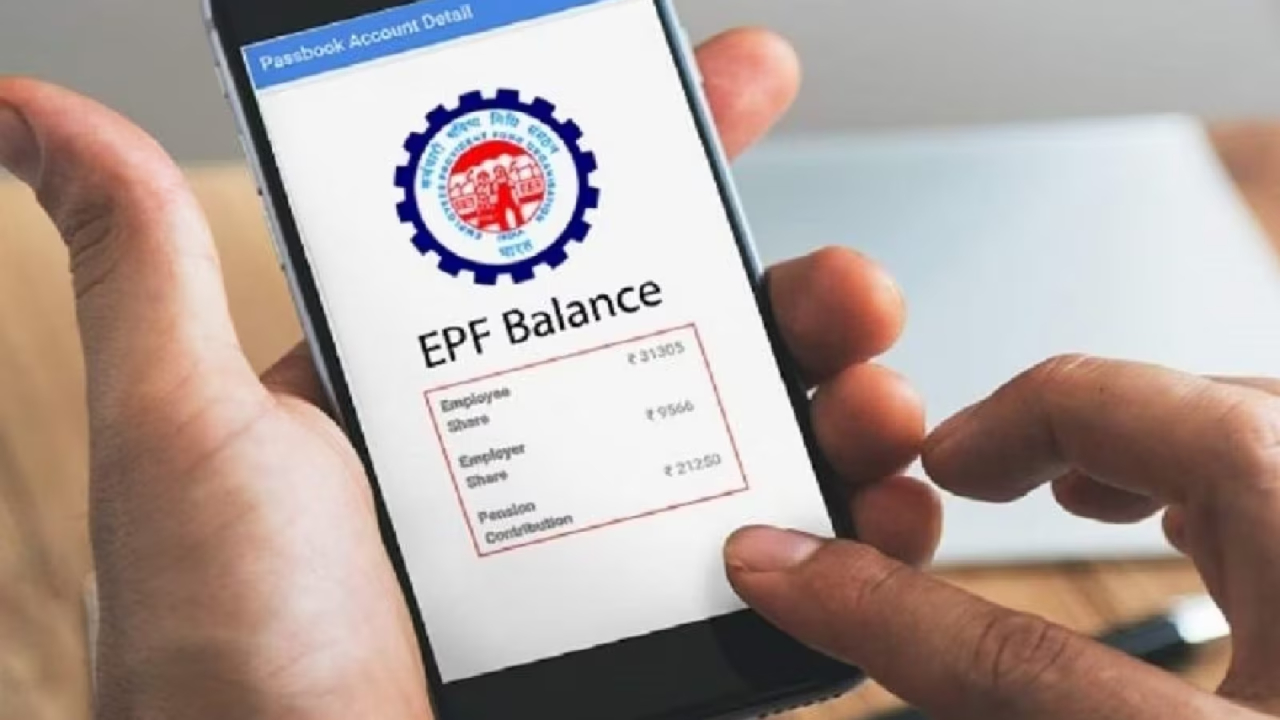
EPFO Balance: Are you employed and curious about how much money has been deposited into your EPF account over the last five years, regardless of your current employment duration? Many people find this task quite challenging, often seeking assistance from their CA friends or professionals. Some even go to cyber cafes to check their PF balance. However, these methods can increase the risk of fraud.
Today, we will share a method that doesn’t require any special skills. You can check your PF balance easily from the comfort of your home using your mobile phone. Here’s the simplest way to check your PF balance:
Check Balance by Missed Call
If you want to check your balance without using the internet, this is the best method. Just give a missed call to 9966044425 from your registered mobile number. The call will automatically disconnect after two rings, and you will receive your balance information via SMS within a few seconds. Make sure your UAN is active and linked to your Aadhaar/PAN.
Check your balance via SMS
You can also get your details by sending a message. To do this, text “EPFOHO UAN ENG” to 7738299899. For information in Hindi, type “EPFOHO UAN HIN.” This feature is available in 10 languages.
Download passbook from UMANG app
The UMANG app is the safest and most secure option for smartphone users.
Download the UMANG app and register.
Search for ‘EPFO’ in the app and click on it.
Select the View Passbook option.
Enter your UAN and the OTP received on your registered mobile number.
Now you can view your passbook and also download it in PDF format.
How to access your passbook from the EPFO portal?
If you’re using a computer or laptop, go directly to the portal:
Visit the official website passbook.epfindia.gov.in.
Log in by entering your UAN and Password.
Click on Select Member ID.
Clicking on View Passbook will show your complete details. You can download it from there.
Please note that your UAN (Universal Account Number) must be activated for this, your mobile number must be registered in EPFO records, and your account’s KYC (Aadhaar, PAN, and bank account) must be complete.
Latest News
Must Read
New Income Tax Rules 2026: How Much Will Your Salary Increase?
Most Viewed
Cigarette Price Increase Announced, Gold Flake, Classic Prices Up 19–41%
Most Viewed
IND vs SA – Abhishek Sharma Out! This Player to Take His Place, Know Probable Playing XI
Most Viewed
HDFC Bank Stock Slips After Early Rally: Break Below ₹910 Could Trigger More Fall
Most Viewed
Big Relief for Employees and Pensioners, Govt Announces Major Benefit Update
Most Viewed
Trending Now
Amazon Offer – iQOO 15 5G Becomes Cheaper, Get Bank Discount of Rs 3000 & More…
Holi Special Buses 2026: State Roadways to Run Hundreds of Buses, Check Routes
MG Windsor EV 2026 – Premium Electric SUV with Long Range, Smart Features and Futuristic Design
Croma Sale 2026—Oppo Find X8 Pro 5G Available For Rs 13,000 discount; Grab This Offer Now!
Best 5G Phones with Wireless Charging Under ₹40,000 in 2026
Ration Card New Guidelines- Important Changes Every Beneficiary Must Know
NHAI Toll Rules 2026: Cash Payments to End on Highways from April 1
Netflix to Drop Explosive Suspense Thrillers and Action Films in the Last Week of February, Must Watch
Adding a New Member’s Name to the Ration Card Online is Now, Simple Process From Home
📁 CATEGORIES
🏷️ TAGS