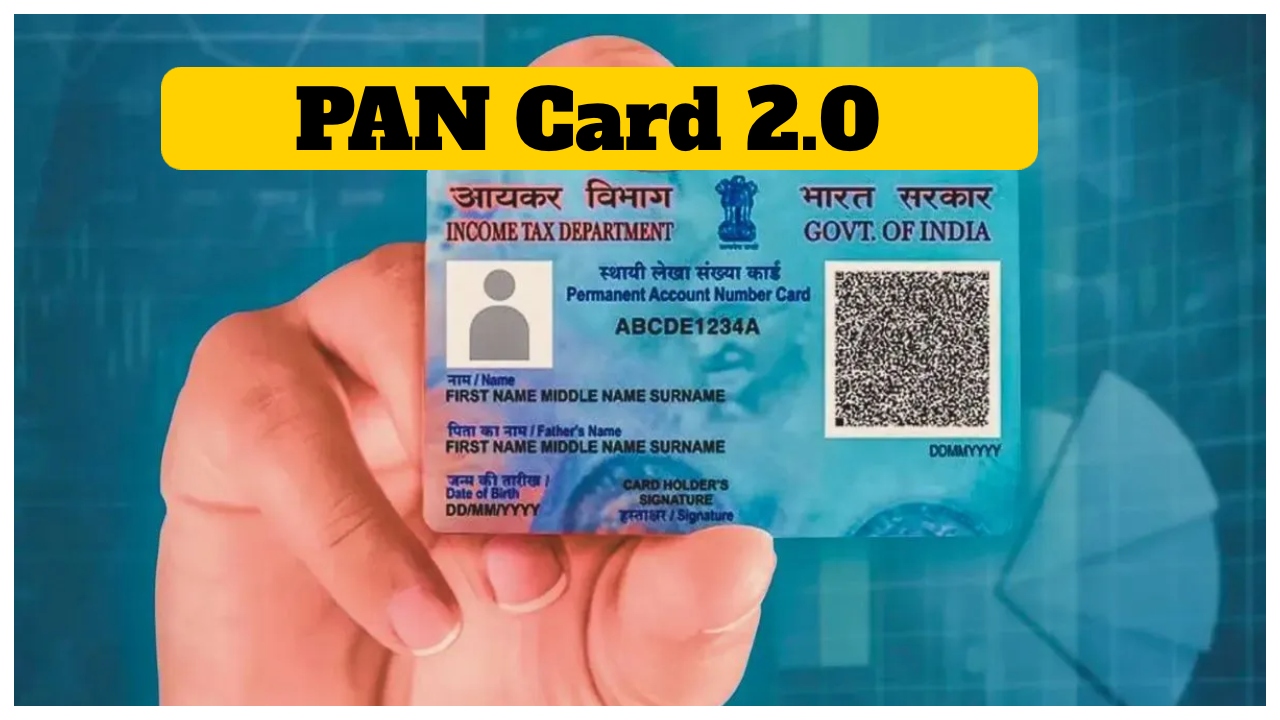
Pancard 2.0: Most people in the country have a PAN card. A PAN card is a very important document. Many of our important details are recorded in it. PAN cards are also used for many government projects. The Income Tax Department issues PAN cards. It has a ten-digit alphanumeric number issued separately for each person. In such a situation, the government has started the Pancard 2.0 project. People are playing an active role in getting it made. Pancard 2.0 is a secure document, the size of which is like an ATM card.
A special type of QR code will be recorded in Pancard 2.0. Most importantly, many special features will also be found in it, which will play an essential role in protecting against cyber thugs. No fee will be charged by the Government of India for issuing it.
But, in the meantime, many questions are arising in people’s minds. One question is whether the current PAN Card will become inactive when the PAN card with the QR code arrives. Do you know that even after the Pancard 2.0 project, the old PAN cards will be fully valid? Your work with the old PAN card will not stop. If there is any mistake in your PAN card, then you can correct it.
QR code will also be recorded in Pancard 2.0. The government has conducted the Pancard 2.0 project keeping in mind the security of the people. This is the new PAN card of the digital age, which can be easily made. You can quickly get the PAN card made.
How to get a PAN card?
First of all, you have to go to https://www.onlineservices.nsdl.com/paam/requestAndDownloadEPAN.html.
Then, on the webpage, the following information has to be entered.
Select the applicable tick box after entering the required information and click submit.
Then, a new webpage will open on the screen.
You must check your current details updated with the Income Tax Department. Here, you will get a one-time password.
Then, you have to enter OTP and verify it.
Then, you have to choose the mode of payment.
Then, check the payment amount and confirm the payment.
You have to click on continue.
Then, the PAN will be delivered to the email ID.