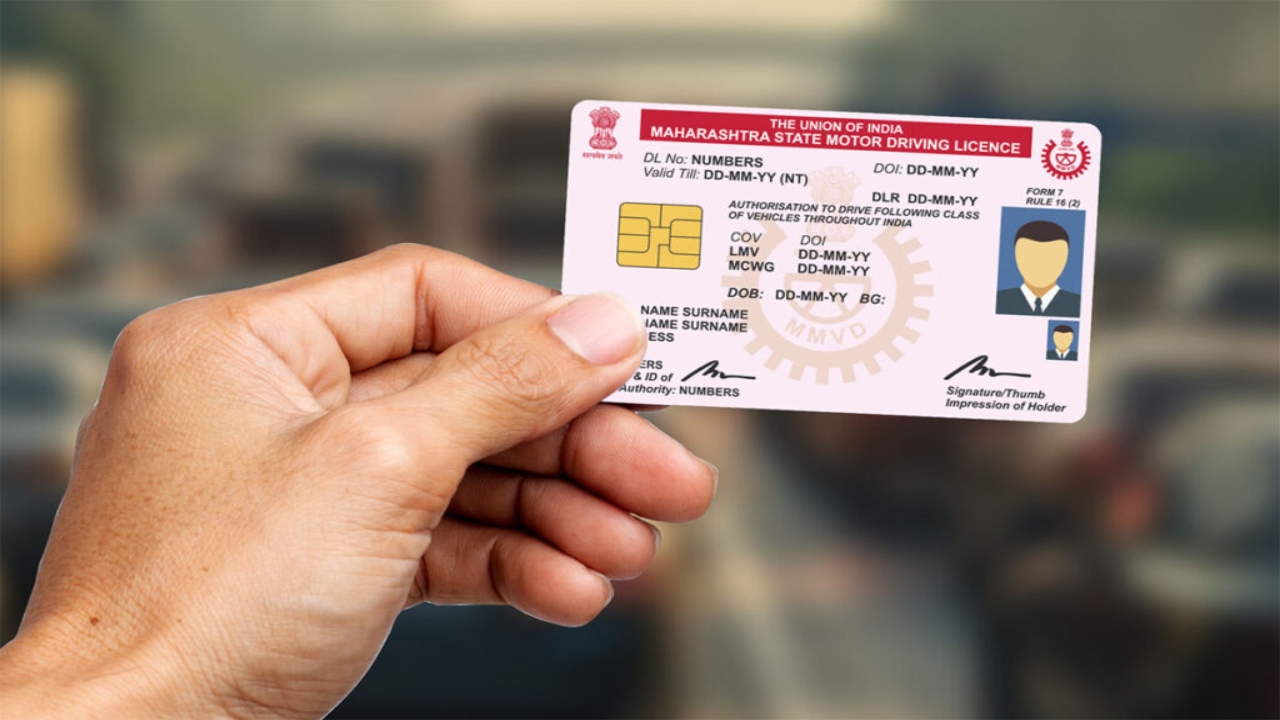
DL Link with Mobile Number: If your mobile number isn’t already linked to your driving license , now’s the time to do it. Previously, this required going to the RTO office, filling out forms, and waiting in line for hours. But now, this task can be done from home in minutes.
Why is it important to link your mobile number?
Many people wonder, “What difference does it make?” But it actually has many benefits.
Information about e-challan is received immediately – If you break any traffic rule, the SMS of the challan immediately comes on your mobile.
License renewal reminder – You get an alert when your license is about to expire.
Every update from RTO directly on the phone – be it any new guideline or need for verification, everything comes on the mobile.
Fraud Prevention – If someone misuses your license, you will know immediately.
Step by step method to link mobile number:
- Open the official website of your state RTO or visit https://parivahan.gov.in.
- Under “Driving Licence Related Services,” click “Update Mobile Number.” Enter your license number, date of birth, and mobile number.
- An OTP will be sent to your new number. Enter it on the website and click “Submit.”
- A message saying “Mobile Number Updated Successfully” will appear. Save a screenshot of this.