

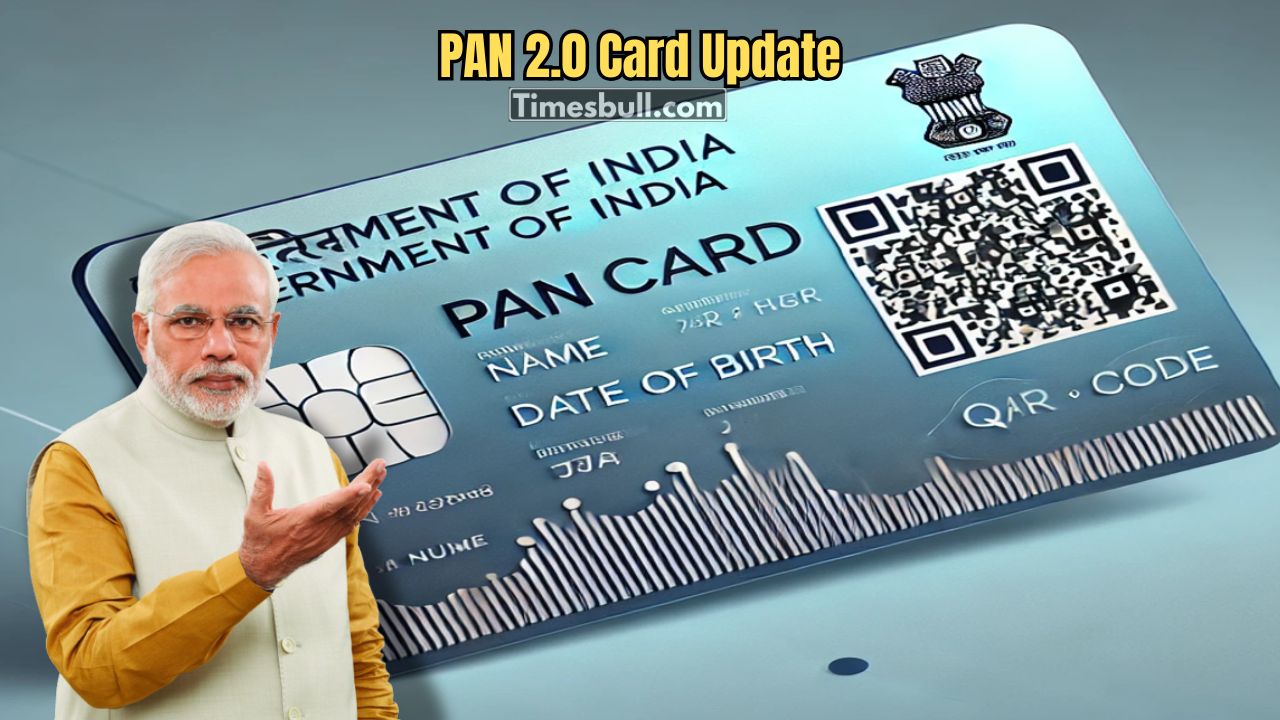
Is there any wrong information in your PAN card? Or your name has changed after marriage. Along with this, there is a new address. In such a situation, everyone has to get a new PAN card again. For which you have to stand in a long queue. But now you don’t have to do this work by standing in a long queue (Digital PAN Card). Because through the digital service welfare of the Income Tax Department, you can easily do this work from home. Find out how to do it.
Digital PAN, know the photo-signature update from home.
PAN card is not just a card. It is an important identity document for filing income tax or any major financial transaction. So it is very important that all the information on this card is correct. Now if for some reason this information is wrong or you have to provide new information, then you usually have to spend around 101 to 110 rupees (Digital PAN Card). But now you can easily change your photo online. Along with that, you can add a digital signature or download your ePen. See how to do it.
How to generate PAN card online:
1) First, visit the official website of Protean e-Gov Technologies Limited (NSDL). There, click on the ‘Change/Correction in Existing PAN Data’ option and select ‘Apply Now’.
2) Select ‘Changes or Correction in Existing PAN Data’ as the application type and select ‘Individual’ in the category.
3) Enter your name, date of birth, email ID, mobile number and PAN number. Upon submitting the form, a token number will be generated, which you should note down for future use.
4) Then choose how you will submit the documents. You can either upload the scanned copy and e-Sign it or send the hard copy directly to the courier.
5) Upload a copy of your identity card, address proof, date of birth proof and current PAN card. Along with this, upload a scanned copy of your recent passport size photograph and signature in the prescribed format.
6) Finally, pay the specified fee through debit card, credit card or net banking. Once the payment is made, download and print the acknowledgement copy.
How to add digital signature to PAN card
1) First, go to the official website of Protean e-Gov Technologies Limited (NSDL). Go to the ‘Change/Correction in Existing PAN Data’ option and click on ‘Apply Now’.
2) Then select ‘Changes or Correction in Existing PAN Data’ as the Application Type and ‘Individual’ in the category.
3) Submit the form with your name, date of birth, email, mobile number and PAN number. After that, a token number will be generated, which you should note down.
4) Choose the method of submitting the documents. You can e-Sign by uploading the scanned copy online or send the documents to the courier in person.
5) Enter your Aadhaar number and other details. Tick the ‘Signature Mismatch’ box in the form (if you want to change the photo, then tick the ‘Photo Mismatch’ box as well). Then enter the names of the parents and proceed.
6) Upload the copy of the identity card, address proof, date of birth proof and current PAN card. Along with this, upload a clear scan copy of your new signature in the prescribed size.
7) Pay the specified fee using the online payment option. If the payment is successful, download and save the Acknowledgement Slip. You can check the status of the application later with it.
How to download e-PAN:
1) Go to the official e-Filing portal of the Income Tax Department and enter the homepage.
2) Go to the ‘Quick Links’ section on the left side of the homepage. There, click on the ‘Instant e-PAN’ option. Then click on the ‘Continue’ button below the ‘Check Status/Download PAN’ text.
3) Enter your Aadhaar number correctly and click ‘Continue’ to proceed.
4) An OTP will be sent to the mobile number linked to your Aadhaar. Enter the OTP in the appropriate box, tick the confirmation box and click ‘Continue’ (Digital PAN Card).