

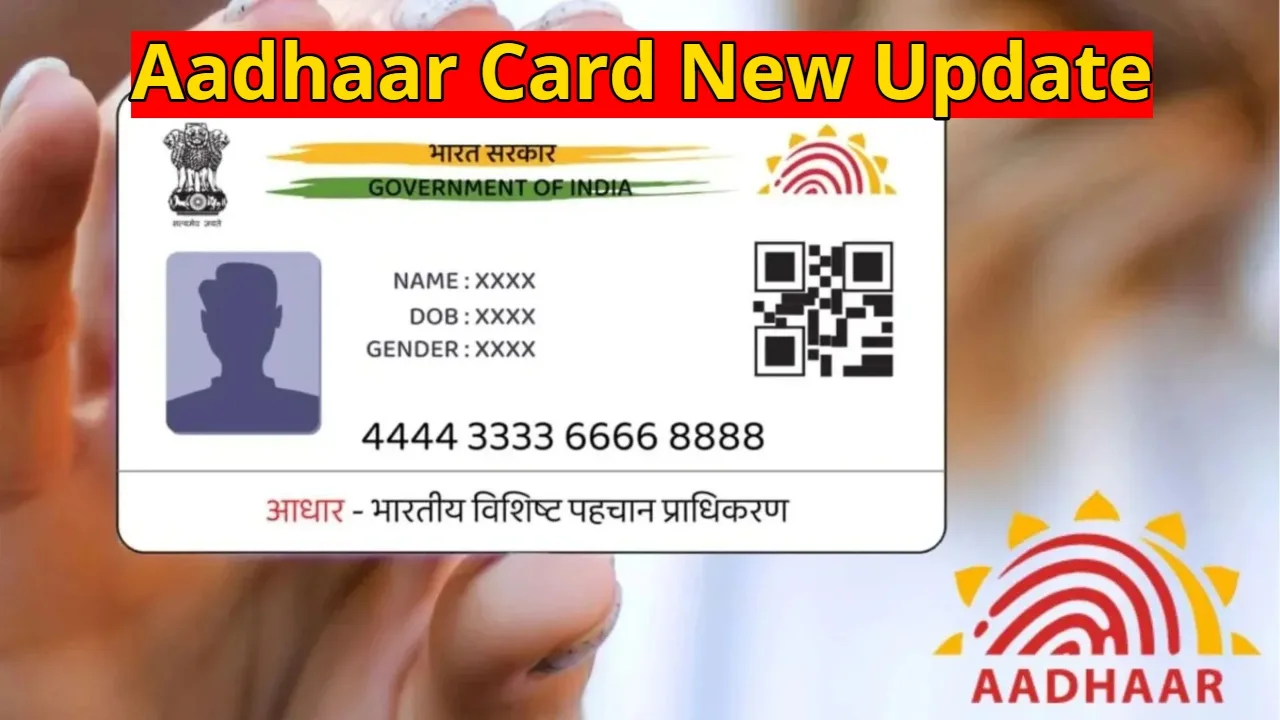
Aadhaar Card New Update: If you’re an Aadhaar card holder, this news could be very important for you. Aadhaar has become a crucial document in the current times. Without an Aadhaar card, you’re unable to perform any government or non-governmental work. Aadhaar is required to avail the benefits of any government scheme, to gain school admission, or to apply for a government job.
Until now, identity and background verification have been considered a lengthy and complex process for both employees and ordinary citizens. The compulsion to repeatedly show photocopies of Aadhaar cards and other documents has been a source of inconvenience. To address this issue, UIDAI has introduced a new Aadhaar app, which facilitates digital identity sharing and verification.
Digital Identity Eliminates the Need for a card-carrying
With UIDAI’s new Aadhaar app, users no longer need to remember their Aadhaar number or carry the card. Digitally signed information shared through the app is completely secure. This data is not stored with any third party, ensuring user privacy and making the identification process faster than ever.
Custom QR Codes Provide Greater Control
A key feature of the new Aadhaar app is the ability to generate custom QR codes. Users can create QR codes with limited information based on their needs. For example, different QR codes can be used for age verification at a cinema hall, identity verification at a hotel, or attendance at an office. This ensures only essential information is shared.
Quickly Verify Authenticity with a QR Scan
The app also includes a QR code scanner feature. Scanning the QR code of any Aadhaar card displays the relevant information on the mobile screen. If the card is fake or invalid, no data will be revealed. This helps prevent fake identities.
How to Use the App
The Aadhaar app can be downloaded from the Google Play Store and Apple App Store. After installation, complete the setup by following the on-screen instructions. Once logged in, users can easily access all the app’s features, such as sharing digital identity and scanning QR codes.
Free, Secure, and Available to All
UIDAI’s Aadhaar app is available on both Android and iOS platforms and is free to download. There are no fees. The app not only simplifies identity verification but also makes it secure and reliable.